Driver and Software
64
2
Duplex Printing 2
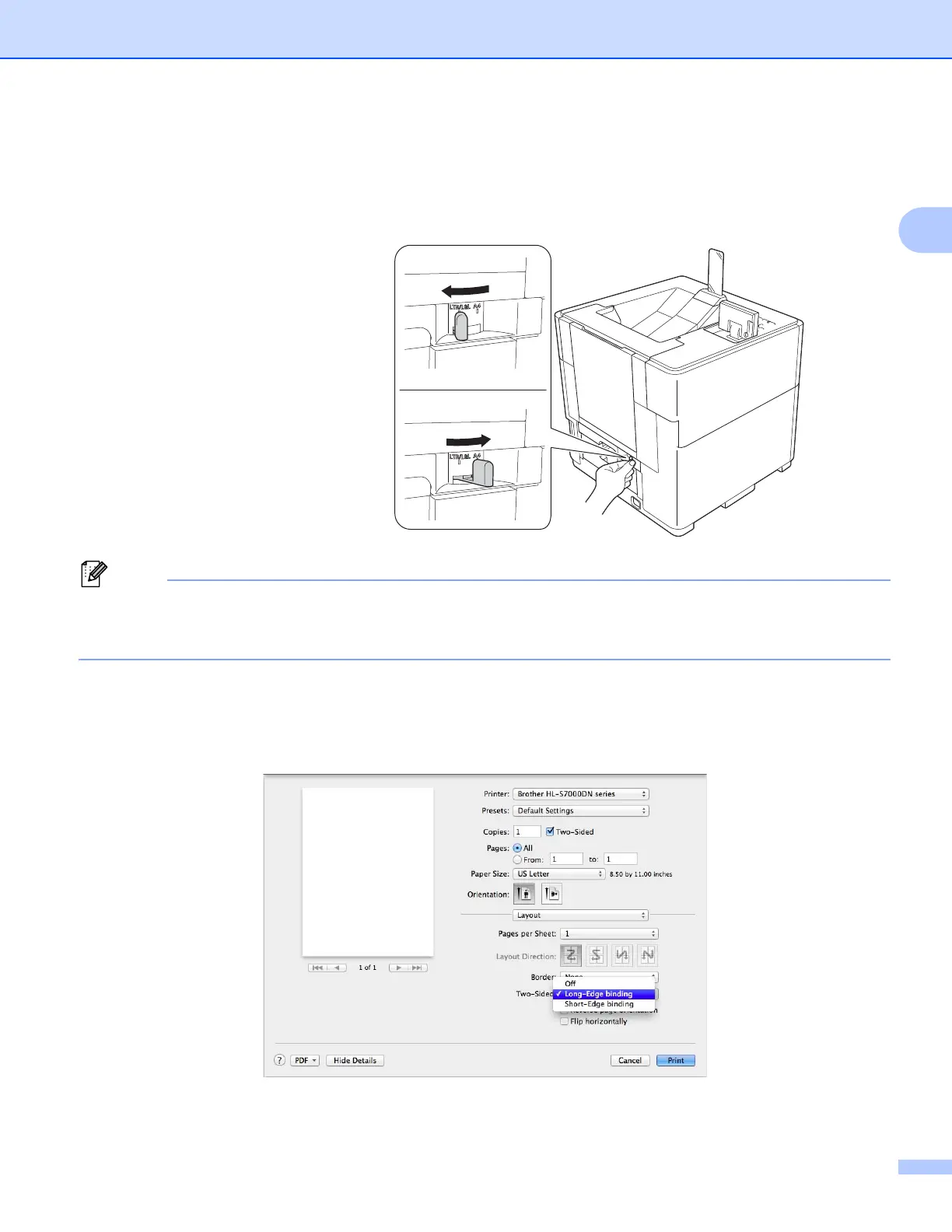
Before printing, make sure that you set the duplex paper adjustment lever at the back of the printer to
LTR/LGL or A4. When using Folio size paper, set the lever to LTR/LGL.
If you try to print when the paper adjustment lever for duplex printing is not correctly set for the paper size
being used, the LCD will show DX Lever Error and the machine will stop printing. If this happens, move
the lever to the correct paper size position.
Automatic Duplex Printing
Select Layout.
Choose Long-Edge binding or Short-Edge binding in Two-Sided.
Letter, Legal or Folio size
A4 size



 To Next Page
 Loading...












