Home > Fax > Voice Operations and Fax Numbers > Set up Broadcasting Groups > Add or Delete a
Broadcasting Group Member
Add or Delete a Broadcasting Group Member
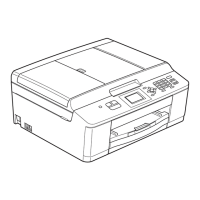
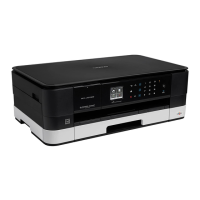
>> MFC-J4340DW
>> MFC-J4440DW/MFC-J4540DW
MFC-J4340DW
1. Press (Address Book).
2. Press a or b to select the following:
a. Select [Change]. Press OK.
b. Select the Group you want to change. Press OK.
c. Select [Add/Delete]. Press OK.
d. Select [Alphabetical Order] or [Numerical Order]. Press OK.
3. Do one of the following:
• To add a member using his Speed Dial number, press a or b to select the Speed Dial number, and then
press d or c to select the checkbox.
• To delete a member using his Speed Dial number, press a or b to select the Speed Dial number, and then
press d or c to remove the checkbox.
Repeat this step until you have added or deleted all the fax numbers you want.
4. Press OK.
5. Select [OK] and then press OK.
6. Press Stop/Exit.
MFC-J4440DW/MFC-J4540DW
1. Press
[Fax] > [Address Book] > [Edit] > [Change].
2. Press a or b to display the Group you want to change, and then press it.
3. Press a or b to display [Add/Delete], and then press it.
4. Press a or b to display the number you want to add or delete.
5. Do the following for each number you want to change:
• To add a number to the Group, press the checkbox of the number to add a check mark.
• To delete a number from the Group, press the checkbox of the number to remove the check mark.
6. Press [OK].
7. Press [OK].
8. Press
.
Related Information
• Set up Broadcasting Groups
235



 To Next Page
 Loading...