Home > Machine Settings > Change Machine Settings from the Control Panel > General Settings > Change
the Language Displayed on the LCD
Change the Language Displayed on the LCD
Change the LCD language if needed.
This feature is not available in some countries.
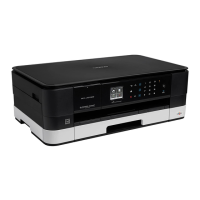
>> MFC-J4340DW
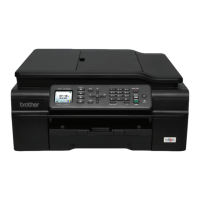
>> MFC-J4440DW/MFC-J4540DW
MFC-J4340DW
1. Press Settings.
2. Press a or b to make your selections:
a. Select [Initial Setup]. Press OK.
b. Select [Local Language]. Press OK.
c. Select your language. Press OK.
3. Press Stop/Exit.
MFC-J4440DW/MFC-J4540DW
1. Press [Settings] > [All Settings] > [Initial Setup] > [Local Language].
2. Press your language.
3. Press
.
Related Information
• General Settings
561



 To Next Page
 Loading...