PAGE 92 OF 154 1022 IH -10159V ND
Home > Print Labels > Print Labels > Sequential Printing
Sequential Printing
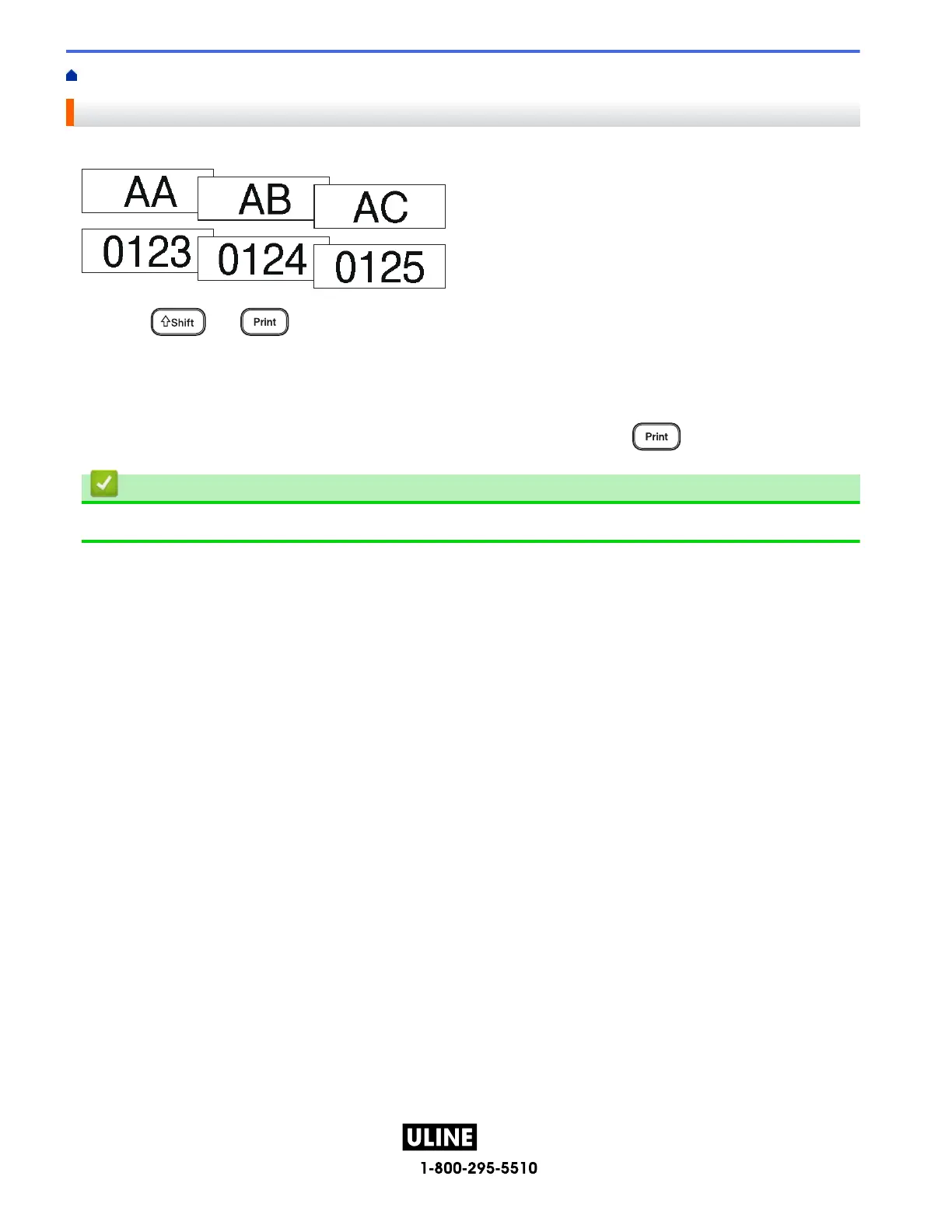
Use this function to create labels with sequentially arranged numbers or letters, from a single label format.
1. Press and .
2. Press a or b to display [Number], and then press OK.
3. Press d or c to select the start point, and then press OK.
4. Press d or c to select the end point, and then press OK.
5. Press a or b to select the number of labels you want to print, and then press
or OK.
Related Information
• Print Labels
H -1 0159



 To Next Page
 Loading...










