21
Using P-touch Editor
USING P-TOUCH SOFTWARE
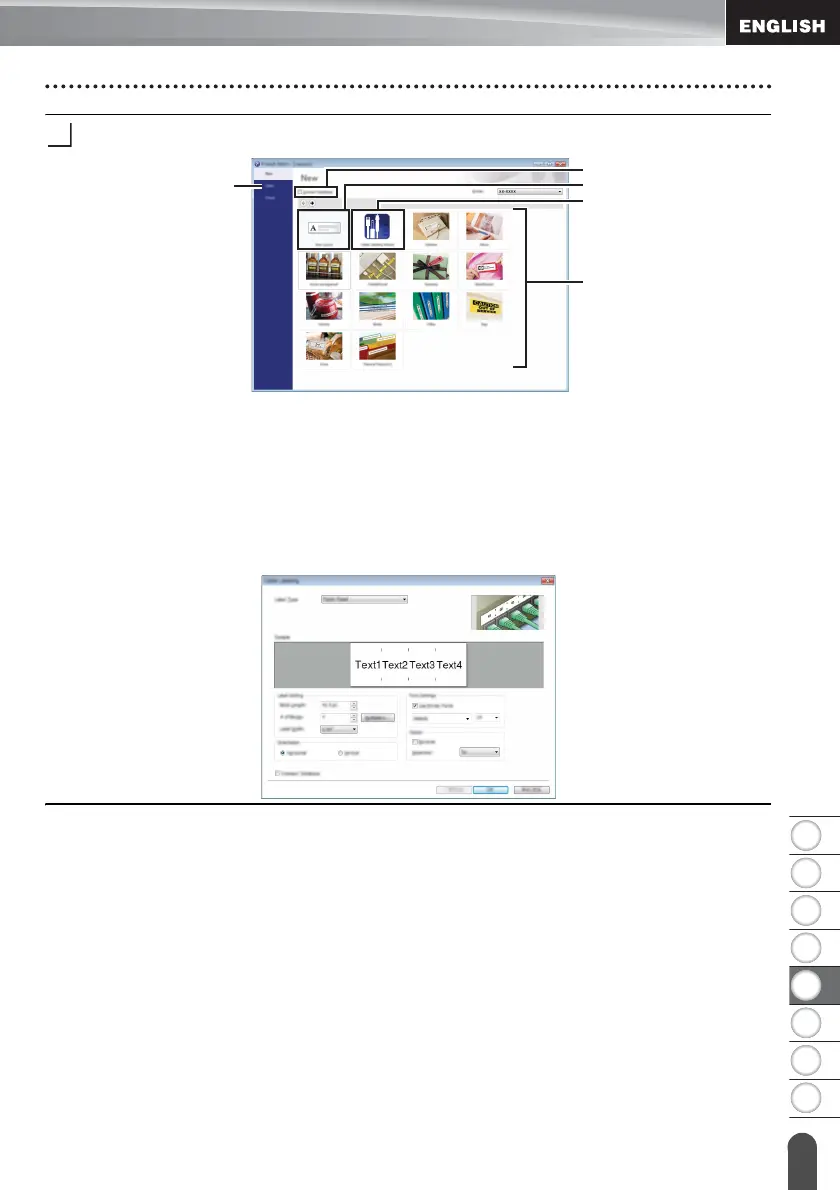
Select an option in the screen.
1. To create a new layout, click the [New Layout] button.
2. To create a new layout using a pre-set layout, select the desired category button.
3. To connect a pre-set layout to a database, select the check box next to [Connect
Database].
4. To open an existing layout, click [Open].
5. To open the application for easily creating labels for electrical equipment
management, click the [Cable Labelling Wizard] button.
2
1
5
4
3














 To Next Page