USING P-TOUCH SOFTWARE
36
Using P-touch Transfer Manager (For Windows)
Backing Up Templates or Other Data Saved in the P-touch
Use the following procedure to retrieve the templates or other data saved in the P-touch and
save it on the computer.
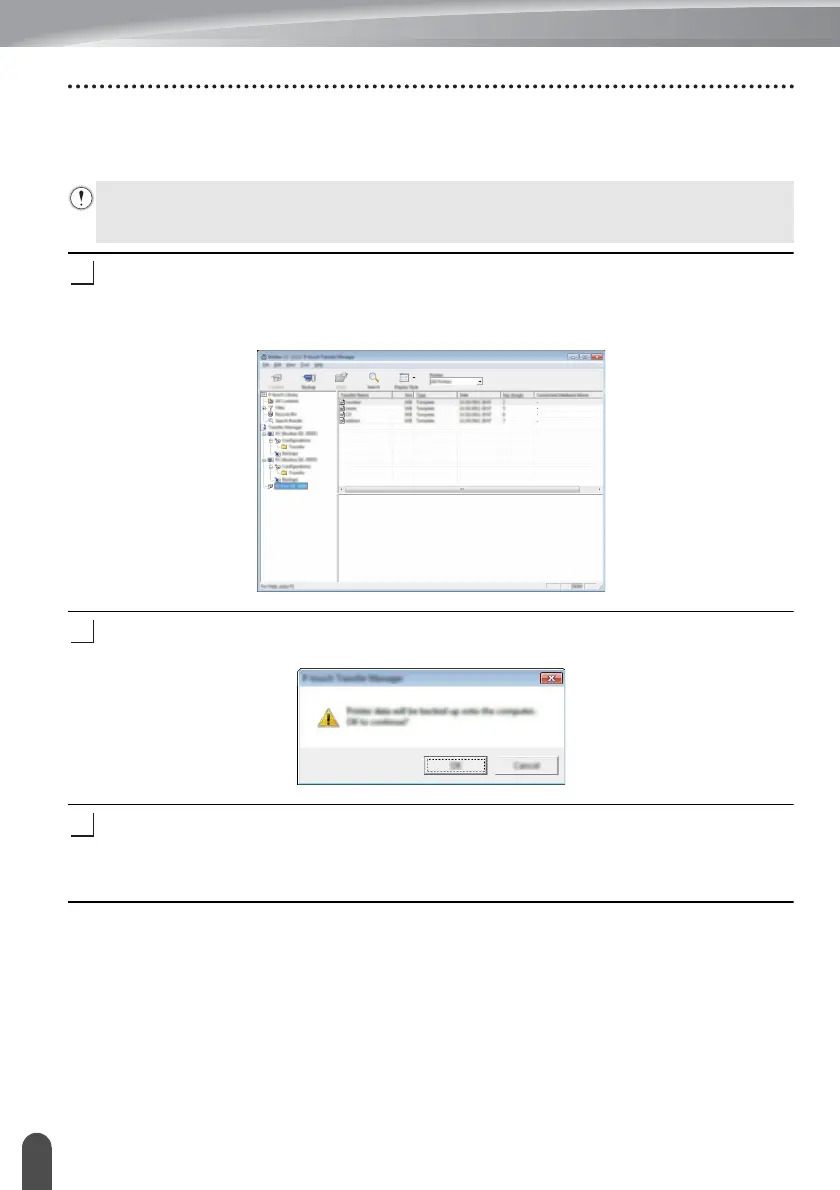
Connect the computer and the P-touch and turn on the P-touch.
The P-touch model name is displayed in the folder view.
If you select a P-touch in the folder view, the current templates and other data stored in
the P-touch are displayed.
Select the P-touch to back up from, and then click [Backup].
A confirmation message is displayed.
Click [OK].
A new folder is created under the P-touch in the folder view. The folder name is based
on the date and time of the backup. All of the P-touch templates and other data are
transferred to the new folder and saved on the computer.
• Backed up templates or other data cannot be edited on the computer.
• Depending on the P-touch model, templates or other data backed up from one P-touch
model may not be able to be transferred to another P-touch model.














 To Next Page