31
Using P-touch Transfer Manager (For Windows)
USING P-TOUCH SOFTWARE
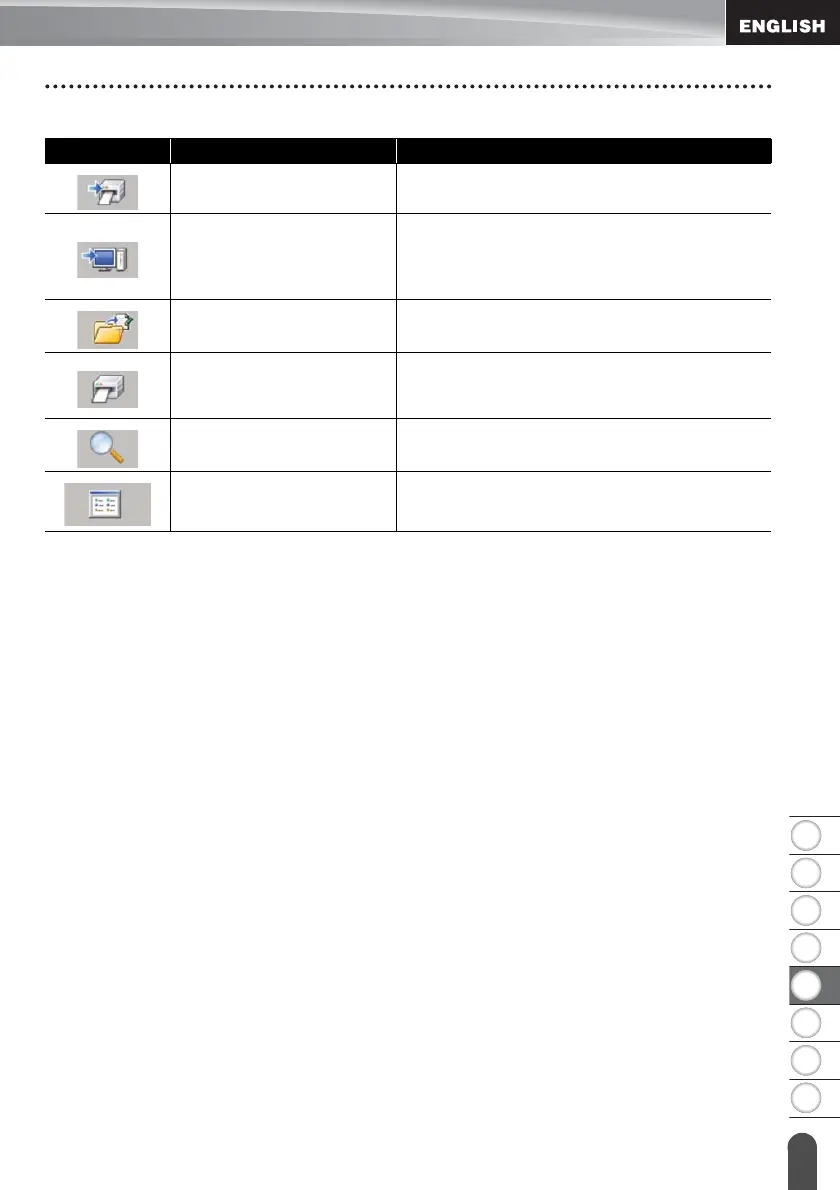
Explanations of the Toolbar Icons
Icon Button name Function
Transfer
Transfers templates and other data from the
computer to the P-touch via USB.
Backup
(Only for P-touch Transfer
Manager)
Retrieves the templates and other data saved
in the P-touch and saves it on the computer.
Open Opens the selected template.
Print
(Only for P-touch Library)
Prints the selected label template with the P-
touch.
Search
Allows you to search for templates or other
data that are registered to P-touch Library.
Display Style Changes the file display style.














 To Next Page