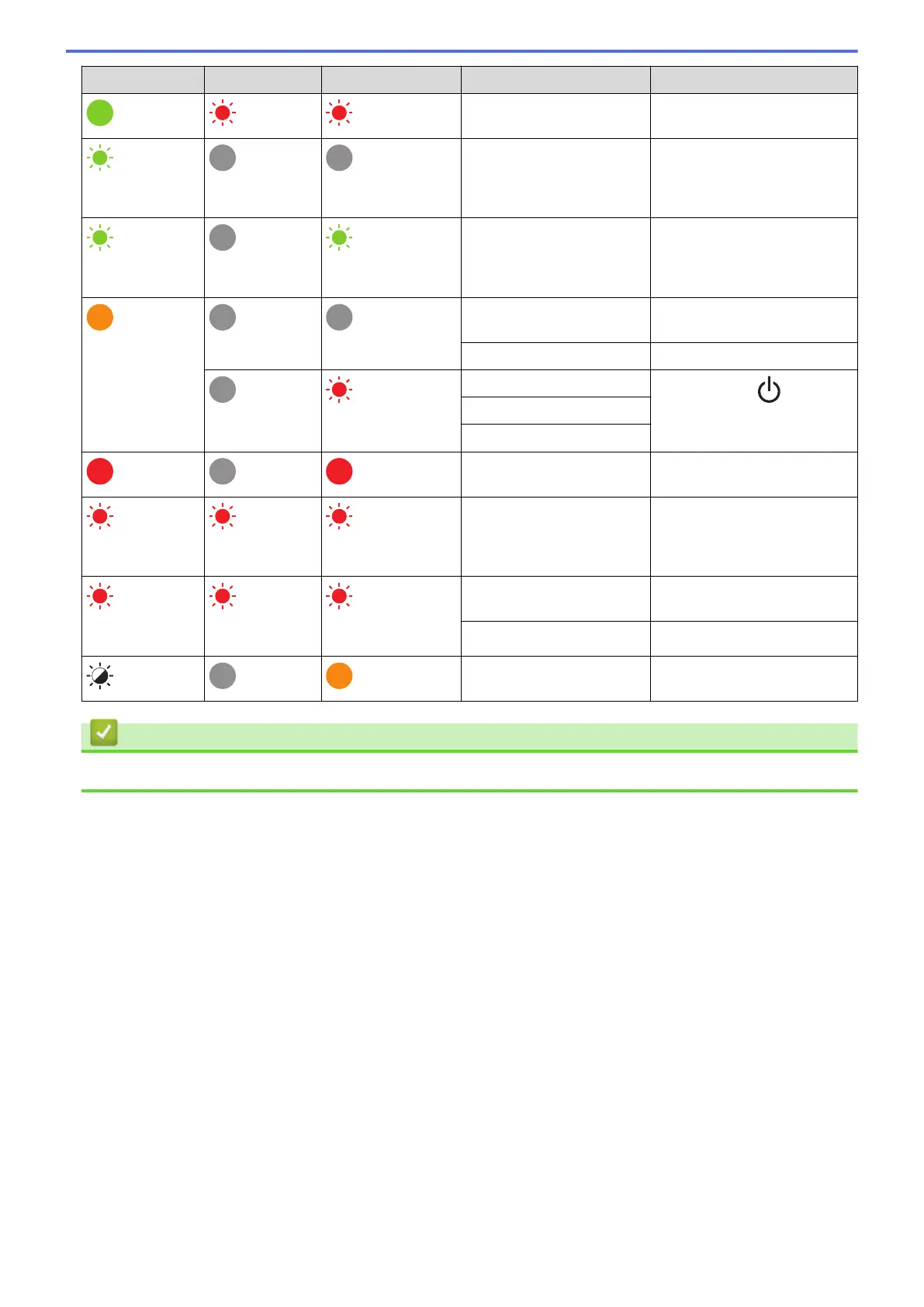
Power LED Roll LED Status LED Condition Action
Insert a roll that matches the
paper setting.
(Once for 3
seconds)
Sleep mode -
(Once for 1
second)
Switching to mass storage
mode
-
The printer is in System Off
mode
-
Initialising mode -
(Twice for 2
seconds)
Mass storage error
Press and hold to clear
the error.
Cutter error
Print head undetected error
The printer is in Boot
mode.
Contact Brother customer
service.
(Once for 2
seconds)
(Once for 2
seconds)
(Once for 2
seconds)
Resetting mode is on -
(Flashes rapidly) (Flashes
rapidly)
(Flashes rapidly)
System error Contact Brother customer
service.
Data overwrite mode -
The Roll Compartment
Cover is open.
Close the Roll Compartment
Cover until it locks into place.
Related Information
• Troubleshooting
104



 To Next Page
 Loading...





