Home > Create Labels and Print Using Computer > Create Labels Using P-touch Editor (Windows) > Main
Window of P-touch Editor Professional Mode (Windows)
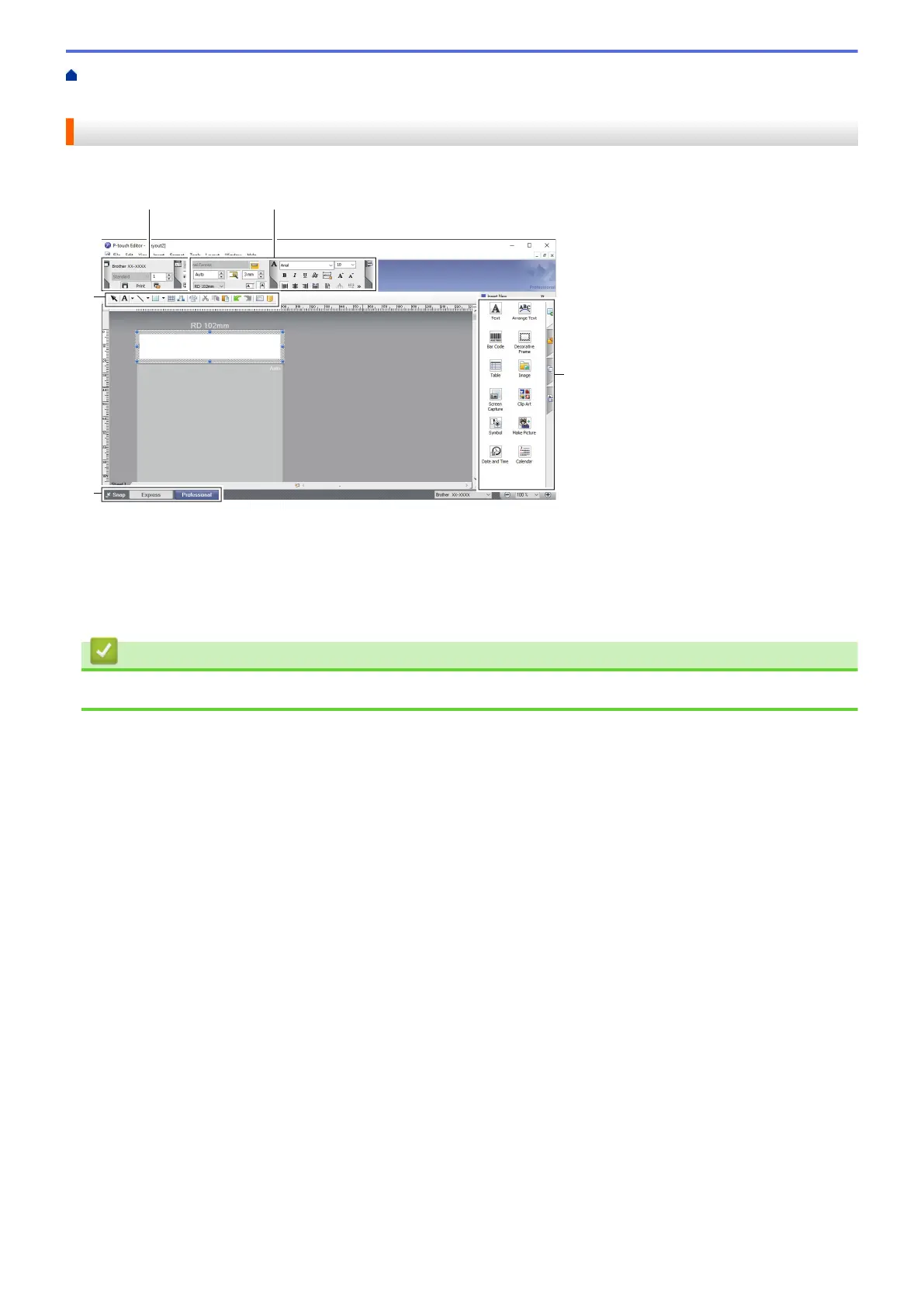
Main Window of P-touch Editor Professional Mode (Windows)
Professional mode allows you to create layouts using a wide-range of advanced tools and options.
1. Print Menu
2. Property Palettes
3. Edit Toolbars
4. Operation Mode Selection Buttons
Related Information
• Create Labels Using P-touch Editor (Windows)
27



 To Next Page
 Loading...





