Home > Install Software > Connect the Printer to a Computer > Connect the Printer to a Computer Using a
USB Cable
Connect the Printer to a Computer Using a USB Cable
1. Make sure the printer is turned off before connecting the USB cable.
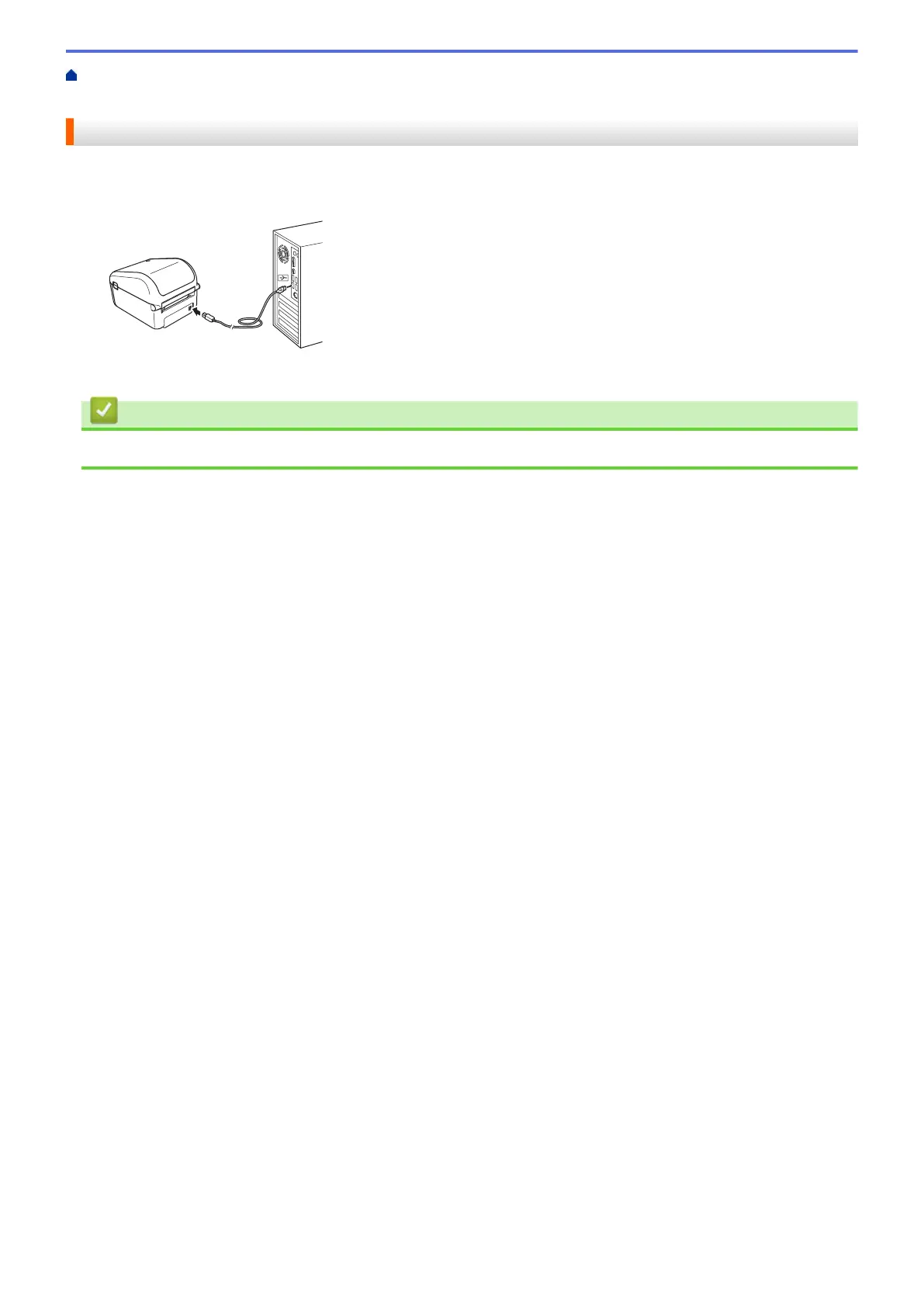
2. Connect the USB cable to the USB Port on the back of the printer, and then to your computer.
3. Turn the printer on.
Related Information
• Connect the Printer to a Computer
22



 To Next Page
 Loading...





