NOTE
• Always remove the ejected labels from the Label Output Slot. If the slot becomes blocked, label jams may
occur.
• Cutting accuracy cannot be guaranteed for labels with perforations or creases.
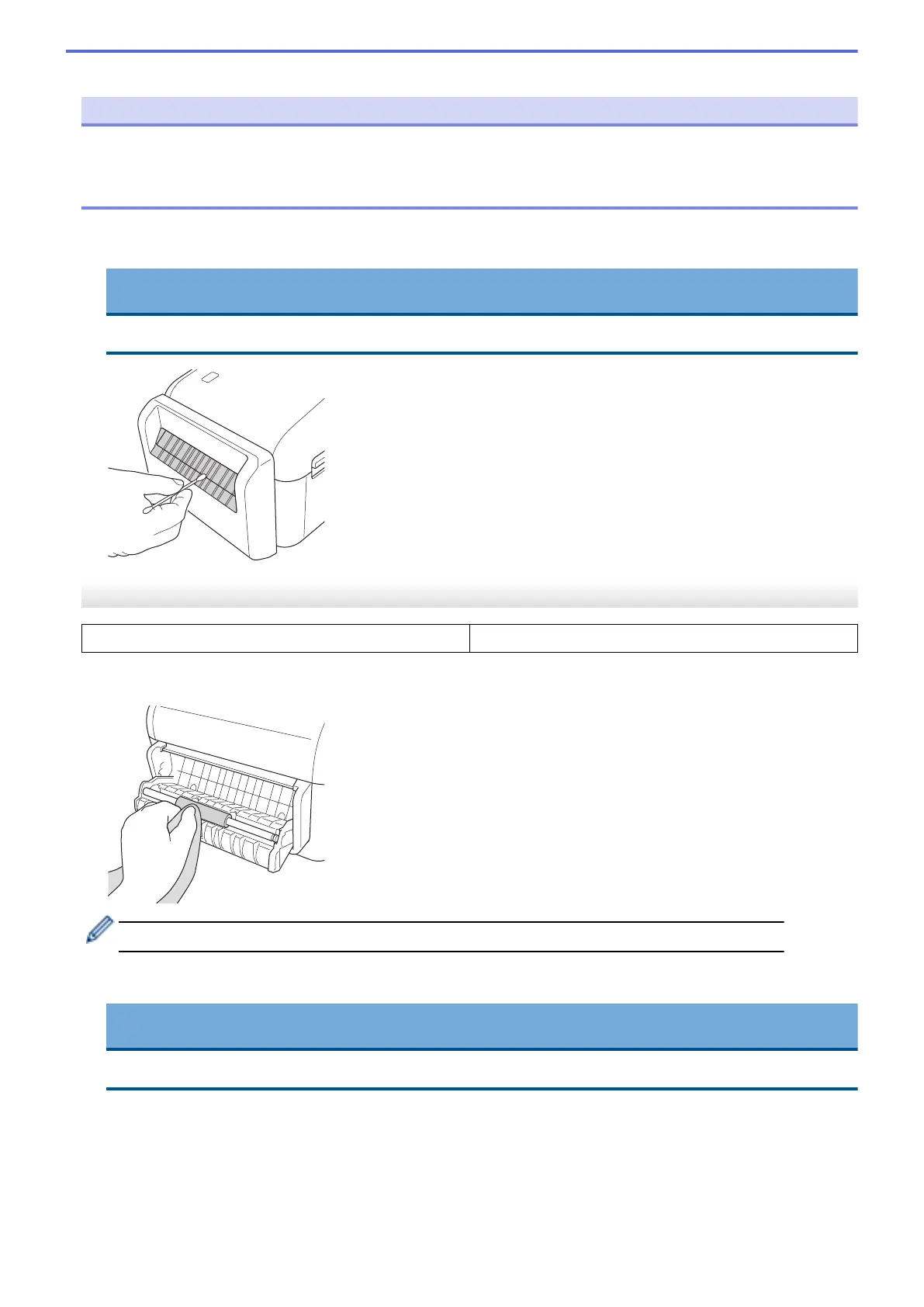
• If adhesive residue gets attached to the Label Output Slot, it may cause label jams. Clean the Label Output
Slot with a dry cotton swab.
IMPORTANT
Do not use alcohol to clean the Label Output Slot.
Label Peeler
TD-4410D/TD-4420DN/TD-4520DN
PA-LP-002
1. Wipe the roller with a lint-free cloth dipped in isopropyl alcohol or ethanol. After cleaning the roller, make sure
that no lint or other material remains on the roller.
Use isopropyl alcohol or ethanol according to the manufacturer's safety guidelines, as applicable.
2. If adhesive residue gets on the Label Peeler, it may cause label jams. Clean the Label Peeler with a dry
cotton swab.
IMPORTANT
Do not use alcohol to clean the Label Peeler.
121



 To Next Page
 Loading...





