Operation
SMART KNIT - 3.15 -
DEVICE - Sensors Numbering
SETUP
$
$$
$
CONFIG
$
$$
$
DEVICE
This function allows you to perform the automatic numbering of the sensors
connected to each SM-DIN module. At the end of this function, the system will be
able to univocally identify, with a progressive number (1 to 100) each of the
sensors connected to each reference SM-DIN module.
to activate the function.
Numbering of sensors connected to SM-DIN module 01.
to start the numbering procedure.
ZZZ shows the total number of sensors connected to SM-DIN 01 (automatically
calculated by the system depending on the values configured with the Feeds function
(aa x bb)).
YYY shows the number of the first sensor (and subsequently the next one) to be
numbered.
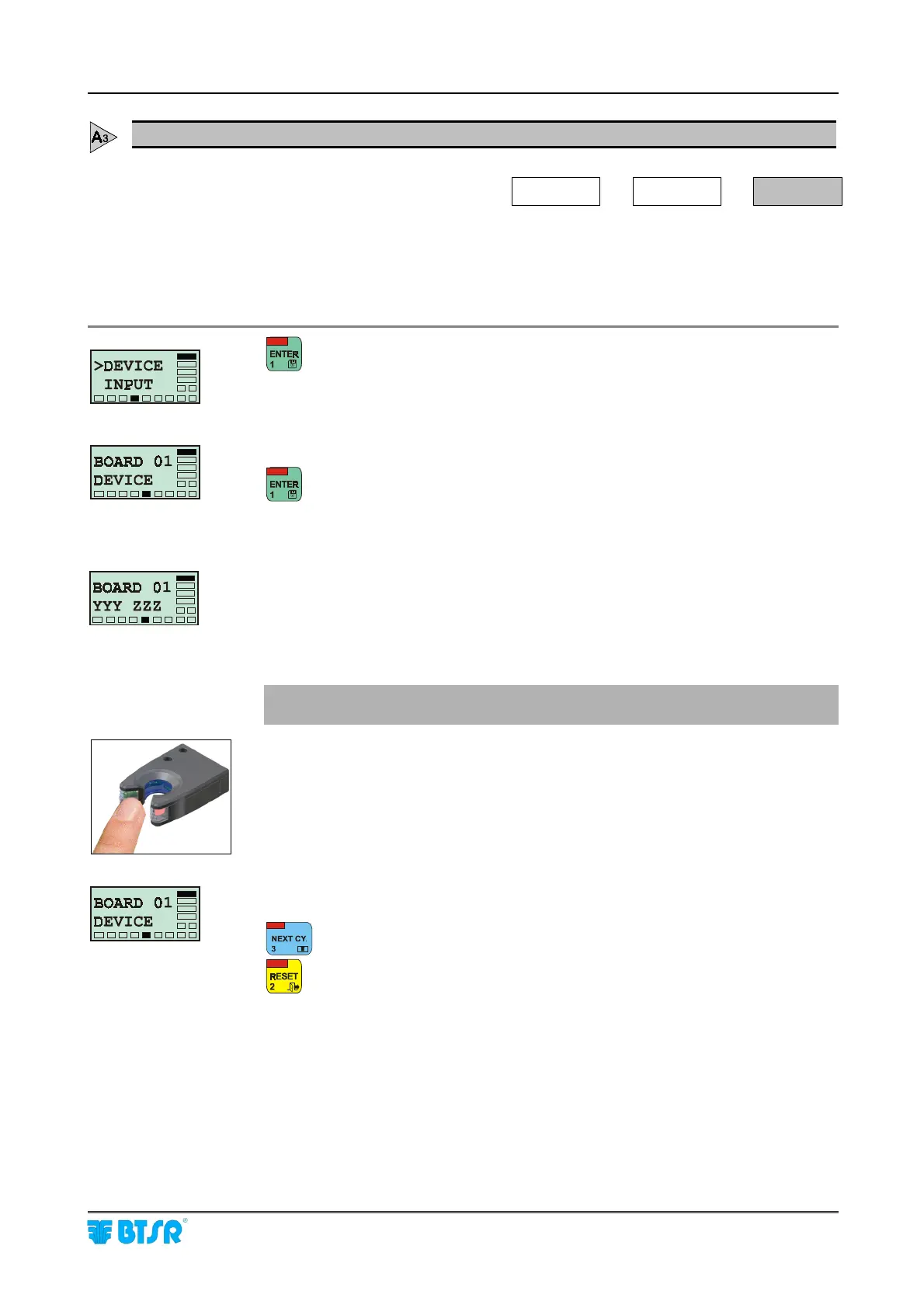
! Check that the sensor being numbered has the green LED FLASHING,
which indicates "Sensor ready to be numbered".
With a finger skim the “Touch Light” area of the sensor to which you wish to
assign the number shown by YYY and check that:
a) The sensor LED changes from FLASHING green to red.
b) The number YYY is increased by 1 unit.
Once all the sensors have a unique number assigned, the BOARD 01 DEVICE
message re-appears.
to start the numbering of sensors connected to SM-DIN module 02.
to return to the CONFIG menu once all the sensors connected to all SM-DIN
modules have been numbered.











 To Next Page