Operation
SMART KNIT - 3.19 -
TEST - FEEDS Test of Machine Feeds
SETUP
$
$$
$
CONFIG
$
$$
$
TEST
$
FEEDS
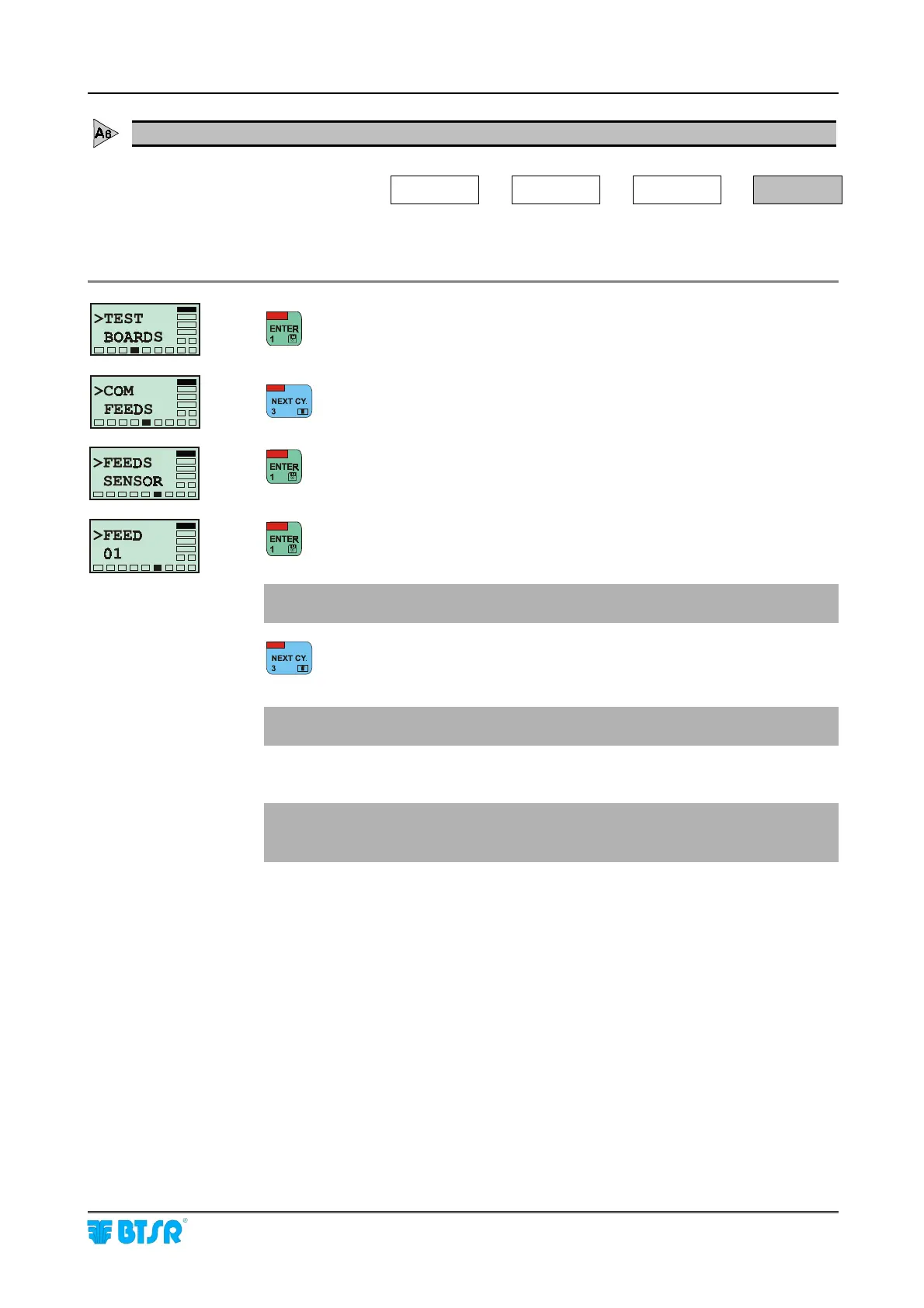
This function allows you to check the correct operation of all the sensors
associated with the various machine feeds.
to activate the Test function.
to select the Feeds option.
to activate the Test of Feeds.
to run the test of Feed 01
! Confirm that the red leds of all sensors associated with Feed 01 are
blinking.
to run the test of Feed 02
!
Confirm that the red leds of all sensors associated with Feed 02 are
blinking.
Repeat the operation selectively for all the configured Feeds.
!
If the red led blinking is inconsistent, check the programming of feeds
(FEEDS function – parameters aa and bb).
Run also the test of individual sensors.











 To Next Page