Operation
SMART KNIT - 3.21 -
TEST - UPG Firmware Upgrade
SETUP
$
$$
$
CONFIG
$
$$
$
TEST
$
UPG
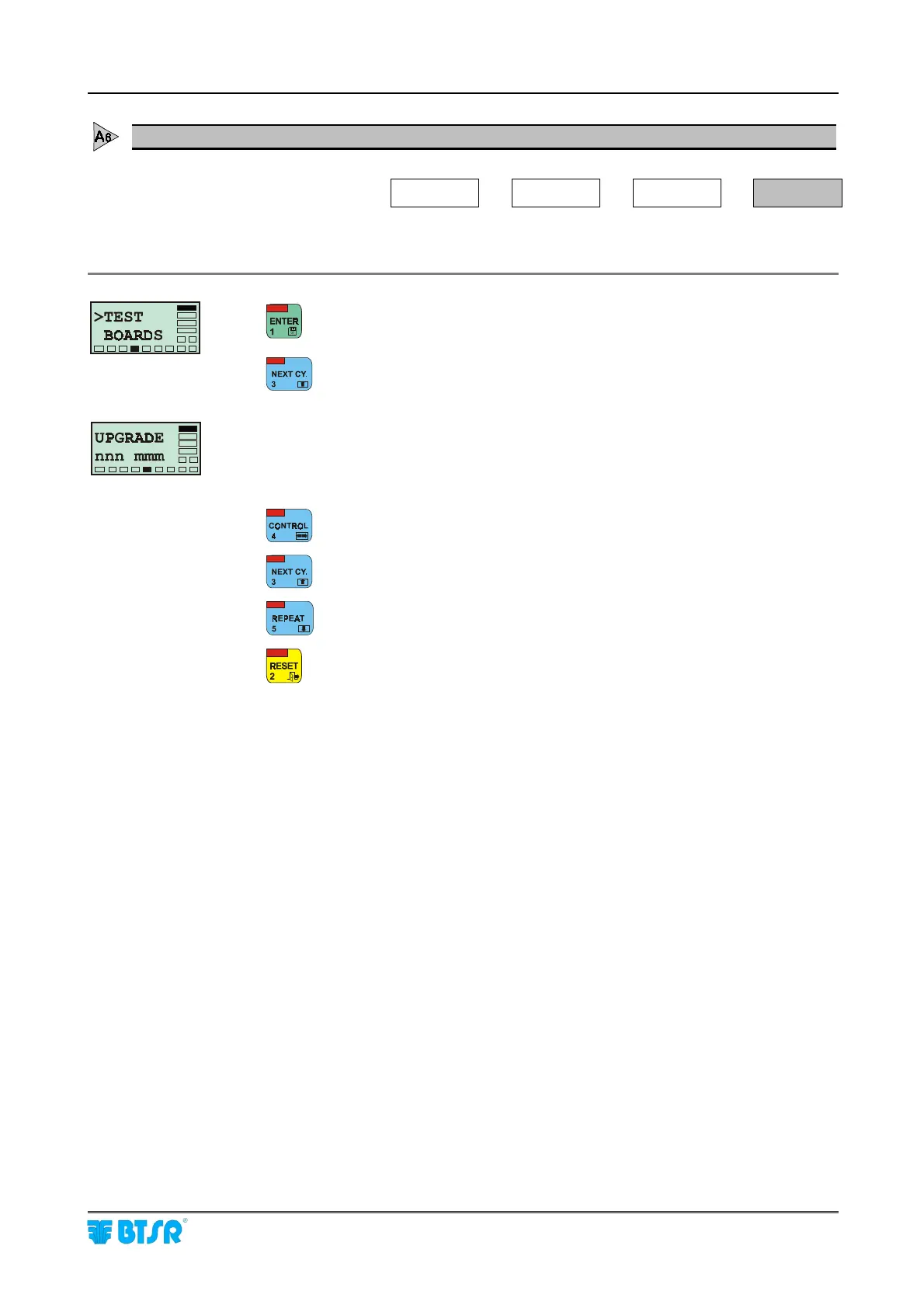
This function allows you to update the firmware on board of sensors.
to activate the Test function.
(3 times) to access the UPG option.
nnn = number of the first sensor to be upgraded.
mmm = number of the last sensor to be upgraded
to move the cursor from nnn field to mmm field or viceversa
to increase the number pointed by the cursor
to decrease the number pointed by the cursor
to leave the function and return to the Test menu.











 To Next Page