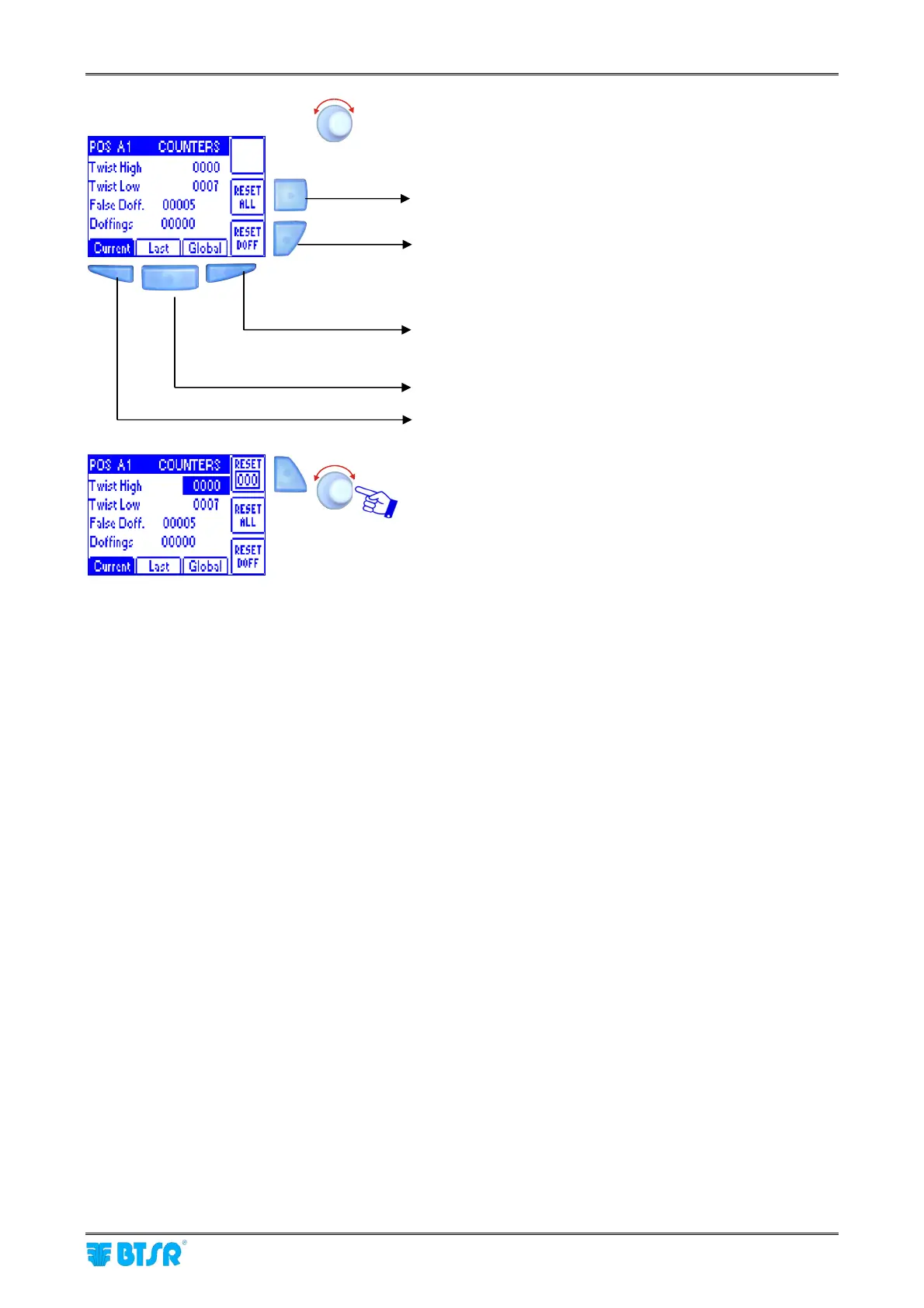
Error Counter Display
SMART MATRIX TWIST - 2-38 -
Select the desired position (POS NN).
To reset all counters of the selected position (except the
Doffing one)
To reset the Doffing counter only.
The displayed values refer to the condition selected by
means of the 3 buttons indicated below (Current, Last,
Global)
Error count from the last counter reset (they can be
individually reset)
Error count related to the last completed package(they
cannot be reset)
Error count related to the currently processed package
(they can be individually reset)
Pressing the selector you can select an individual item and
reset it, if necessary, by pressing the B4 button.
B4











 To Next Page