Gemini Series Electroporator User’s Manual
toll free 800.272.2775 • 508.893.8999 • www.btxonline.com
27
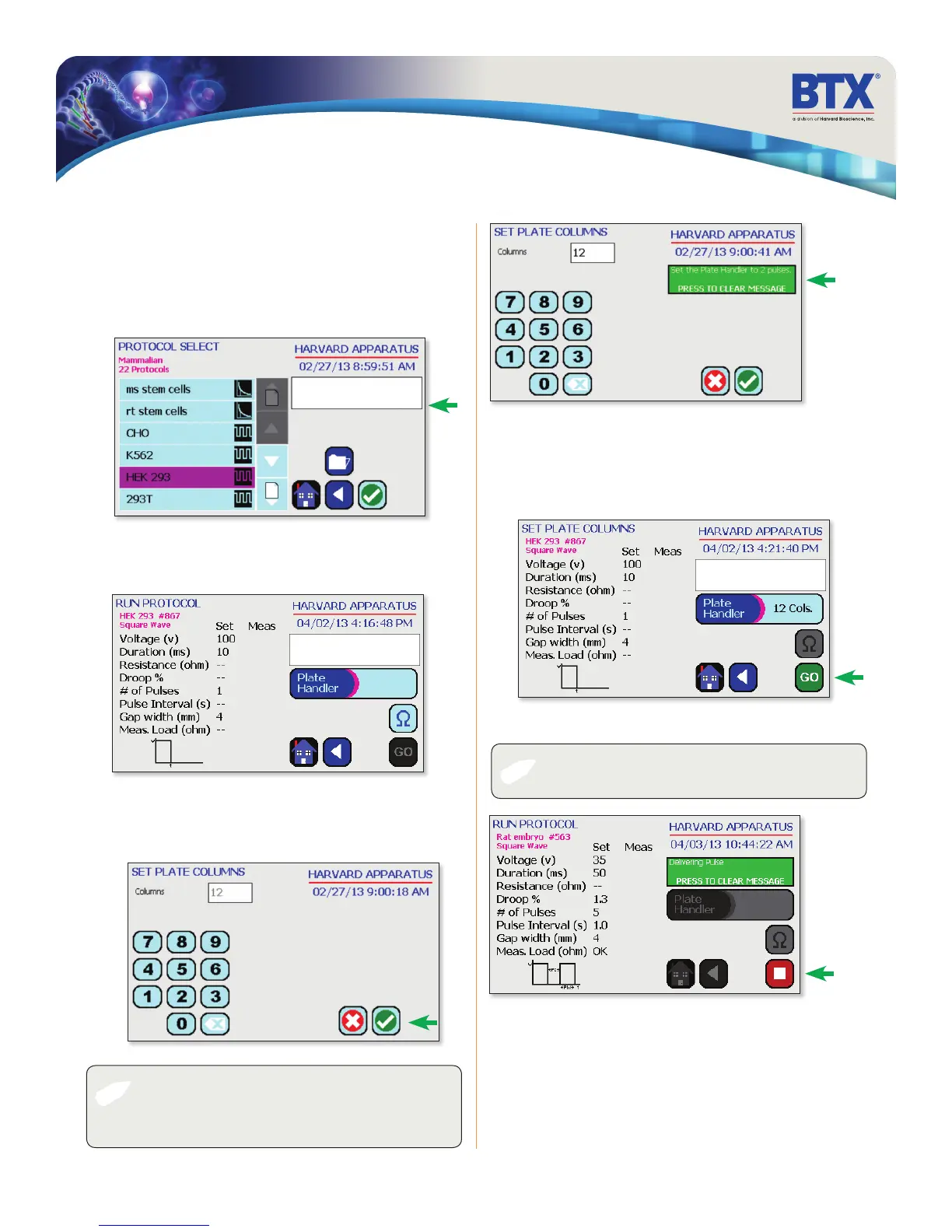
Review parameters.
Tap Plate Handler icon.
Using Specialty Protocols
Using the numeric keypad icon, type the number of columns being
pulsed.
Tap the Green Check icon to save.
Review parameters.
Set the HT plate handler with the correct number of pre-pulse
resistance measurement and DC pulses.
Tap the Go icon to run protocol.
The Square icon can be used to stop the protocol at any time.
✐
✐
NOTE: Note the message box. It will indicate how many
pulses should be set in the HT plate handler. This number will
be a combination of both pre-pulse resistance measurements
and DC pulses.
NOTE: Generator will display readings of the 1st and last pulse
of each column.
Using an HT Plate Handler, Gemini X2 only
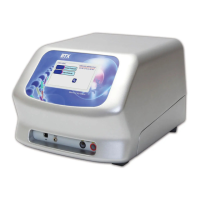
Plug the HT Plate Handler into the front ports of the
BTX Gemini X2.
Scroll through available cells.
Double tap desired cells.
EDIT SCREEN
SET PLATE COLS


 To Next Page