Gemini Series Electroporator User’s Manual
toll free 800.272.2775 • 508.893.8999 • www.btxonline.com
44
Troubleshooting
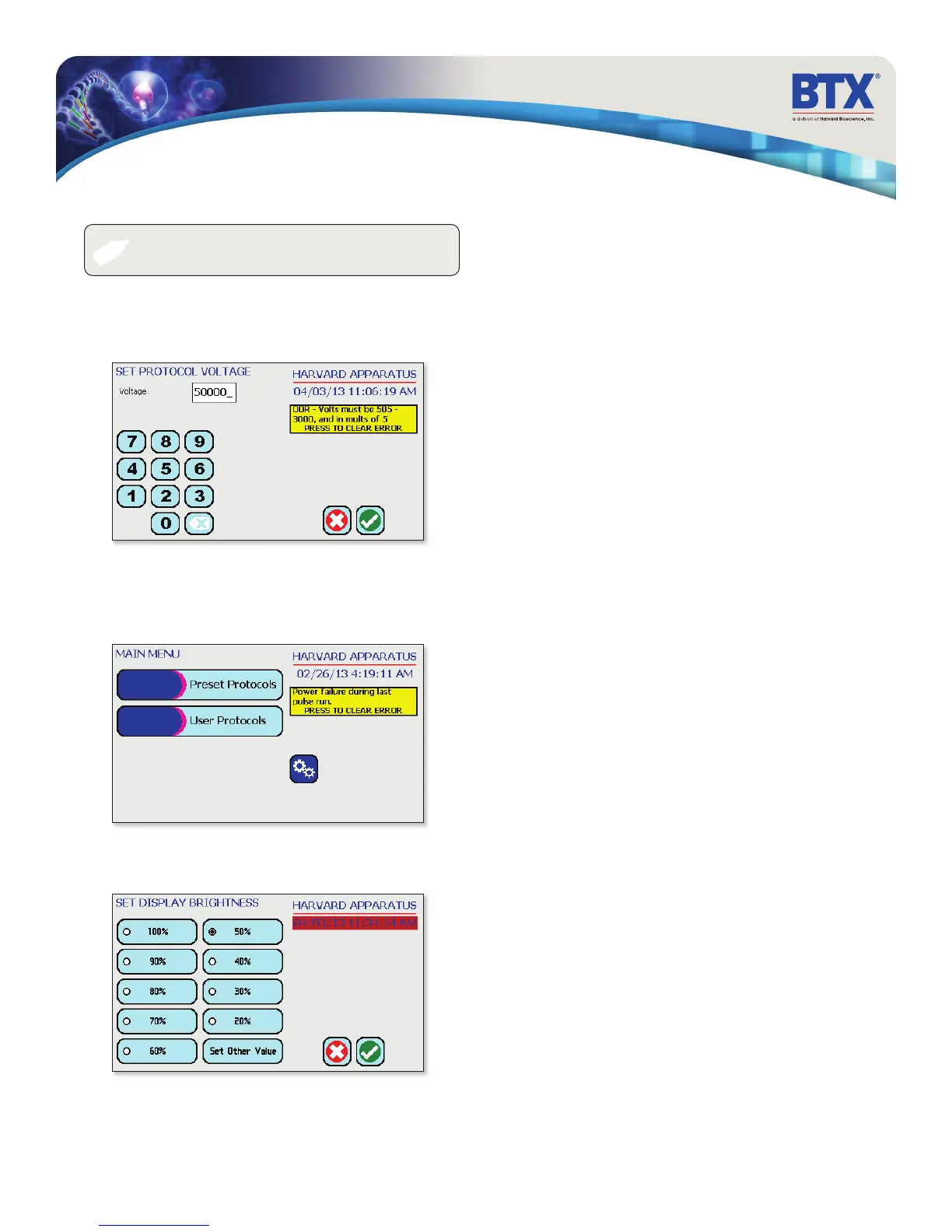
Low Battery Indication
Time/Date area will turn red when battery is low.
Power Failure Notification
If power is interrupted during operation, an alarm will sound to
alert the user to the interruption. When power is restored, an
onscreen message is displayed to indicate the interruption.
Out of Range
A value was entered or encountered in a protocol that was beyond
the generator’s limits.
✐
NOTE: It is recommended that you save your protocols
periodically by uploading them to a PC.


 To Next Page