©2022 CAE 905K560252 v1.2 23
Setup
To configure the wired connection:
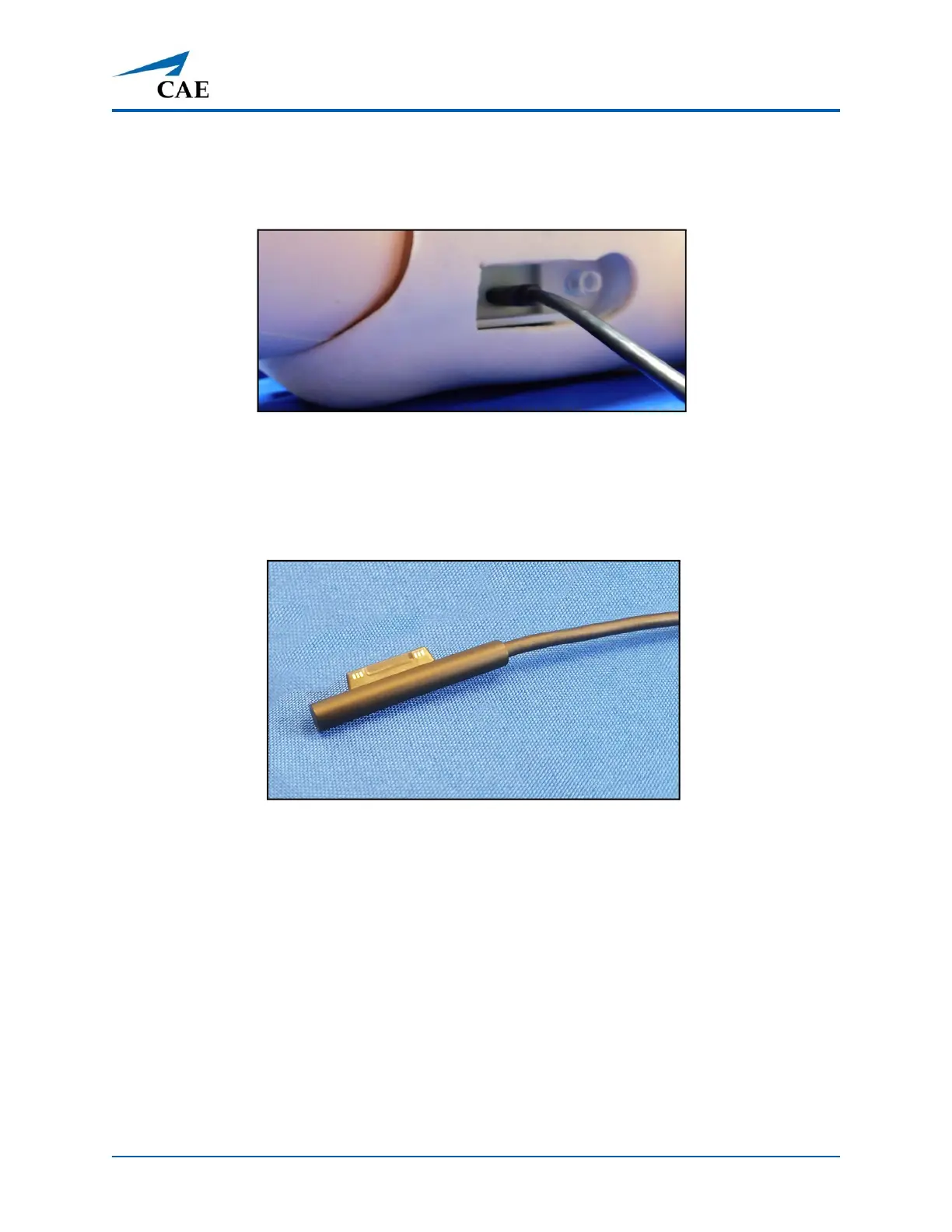
a. Locate the manikin power cord in the Luna storage container and connect
the power cord to the port located on the side of the manikin’s torso.
Luna’s Power Port
b. Plug the other end of the power cord into a grounded power source.
c. Locate the instructor tablet power cord and connect the magnetic end to
the power port located on the side of instructor tablet, below the USB-C
port.
Instructor Tablet Power Cord
d. Plug the other end of the power cord into a grounded power source.



 To Next Page