Using Luna
44 ©2022 CAE 905K560252 v1.2
CAELuna
Heart Rate
The manikin’s heart rate can be manually adjusted in the Maestro software to represent tachycardia
or bradycardia. Learners can observe these heart rate changes upon palpating pulses and on the
patient vitals displayed on the TouchPro monitor.
For more information on this parameter, see the Maestro for Luna User Guide.
Chest Compressions
The manikin supports normal hand placement and standard compression techniques so that chest
compressions can be performed.The patient manikin supports normal finger placement and
standard compression techniques (1.5 in/4 cm). Set the manikin on a safe and sturdy work surface
when administering chest compressions.
CPR Monitor
The CPR Monitor captures the chest compression metrics in the Maestro software and saves the data
collected during this intervention in SCE History.
ECG
On Luna, a 3-lead ECG signal is emitted from the appropriate positions for display on a standard
monitor. The ECG posts are included in the accessories with the manikin shipment and do not come
installed on the manikin.
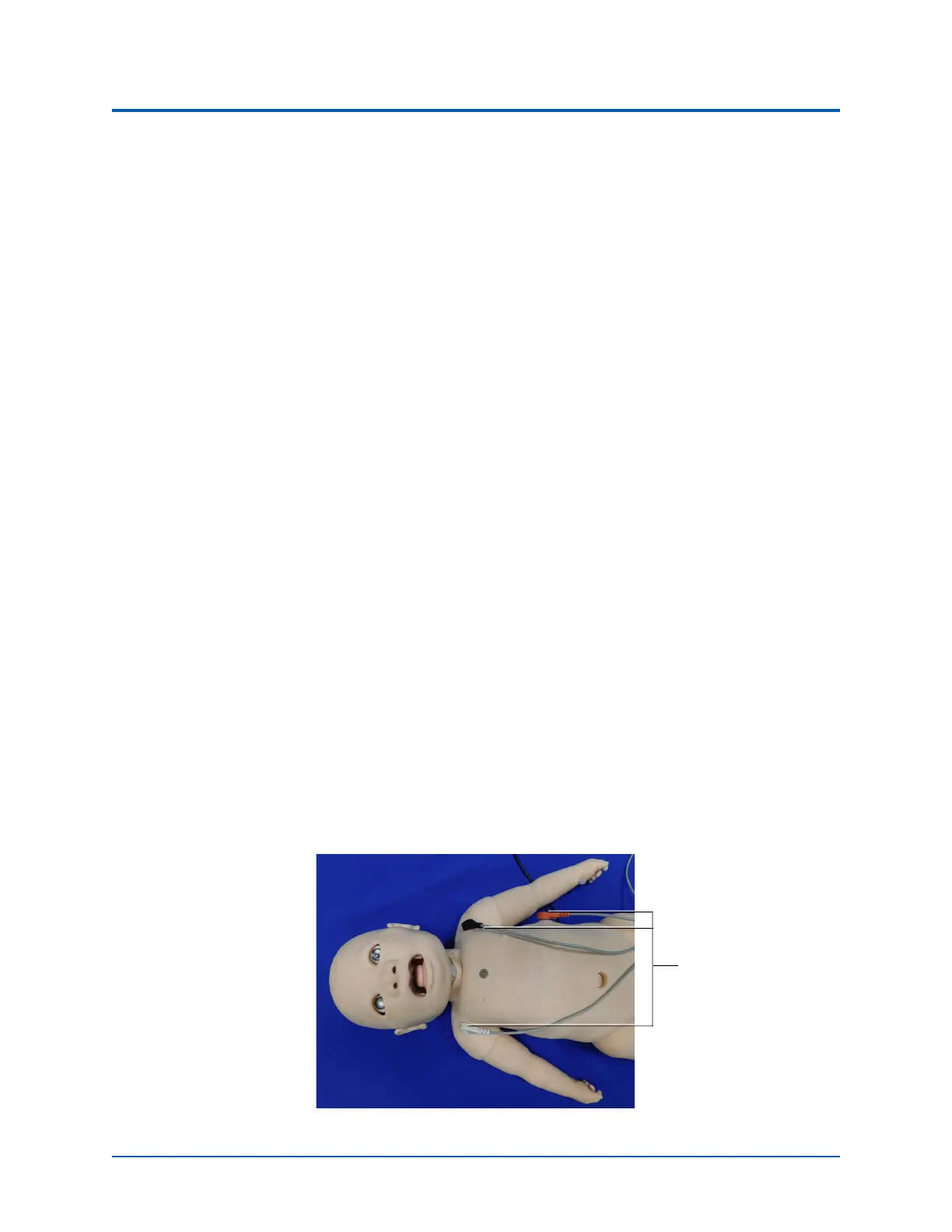
To produce ECG signals on a standard patient monitor, install the ECG posts, then connect the ECG
leads to the posts.
Connecting ECG Contacts
To produce ECG signals on a monitor, connect the lead unit to the ECG contacts located on the
manikin.
ECG Contacts
Connect to the 3 ECG
contacts



 To Next Page