©2022 CAE 905K560252 v1.2 53
Using Luna
Chest Tube
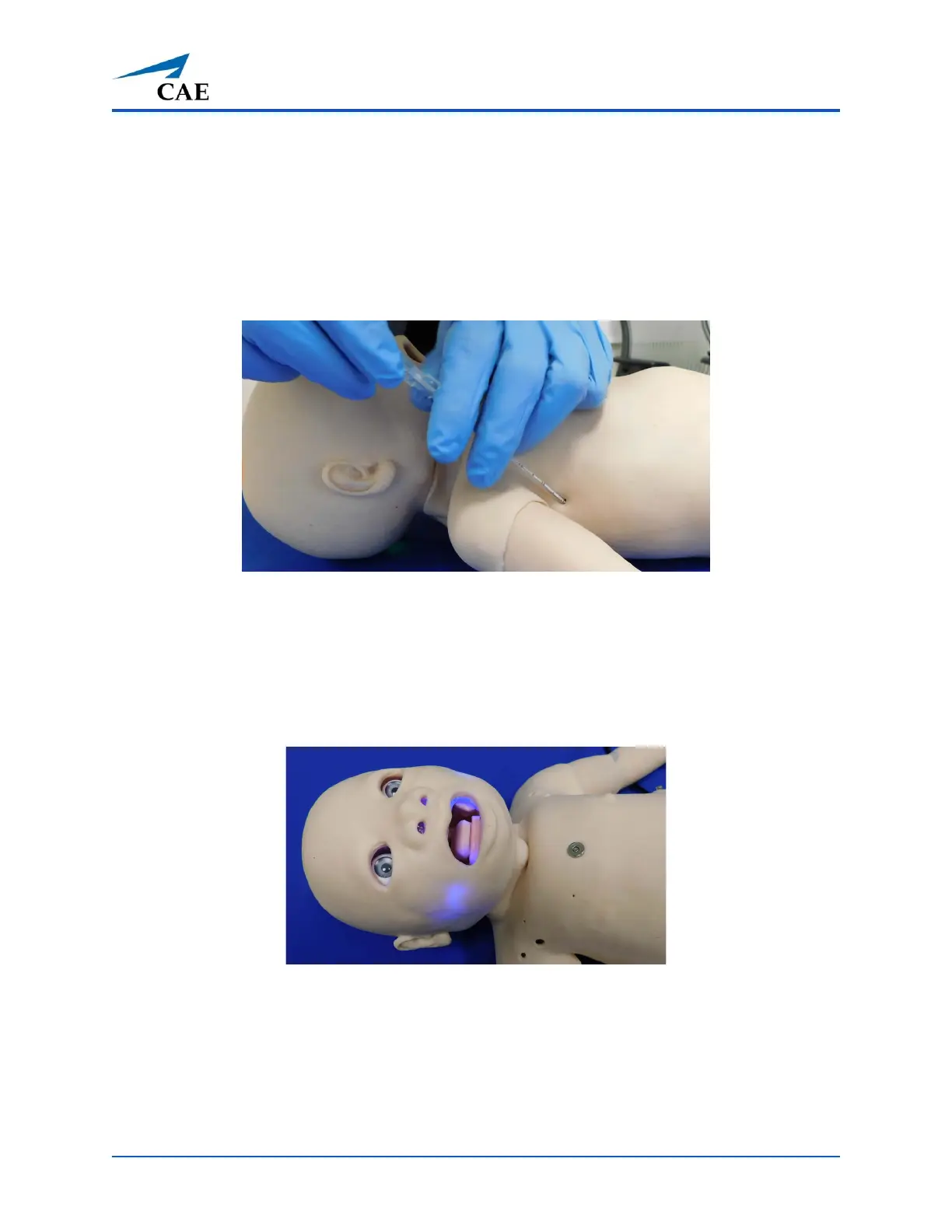
To perform a chest tube insertion:
1. Lubricate the chest tube with cottonseed oil spray.
2. Insert into the insertion point at the mid-axillary line of the fifth intercostal space on the
right side of the manikin and secure in place.
Chest Tube
For supported chest tube size, see Appendix A - Recommended Clinical Supply Sizes.
Cyanosis
The Luna Advanced configuration manikin features circumoral cyanosis.
Circumoral Cyanosis
To activate the circumoral cyanosis feature:
1. Tap the Respiratory icon on the SCE run screen.
2. Tap the Cyanosis parameter in the Maestro software.



 To Next Page