Using Luna
58 ©2022 CAE 905K560252 v1.2
CAELuna
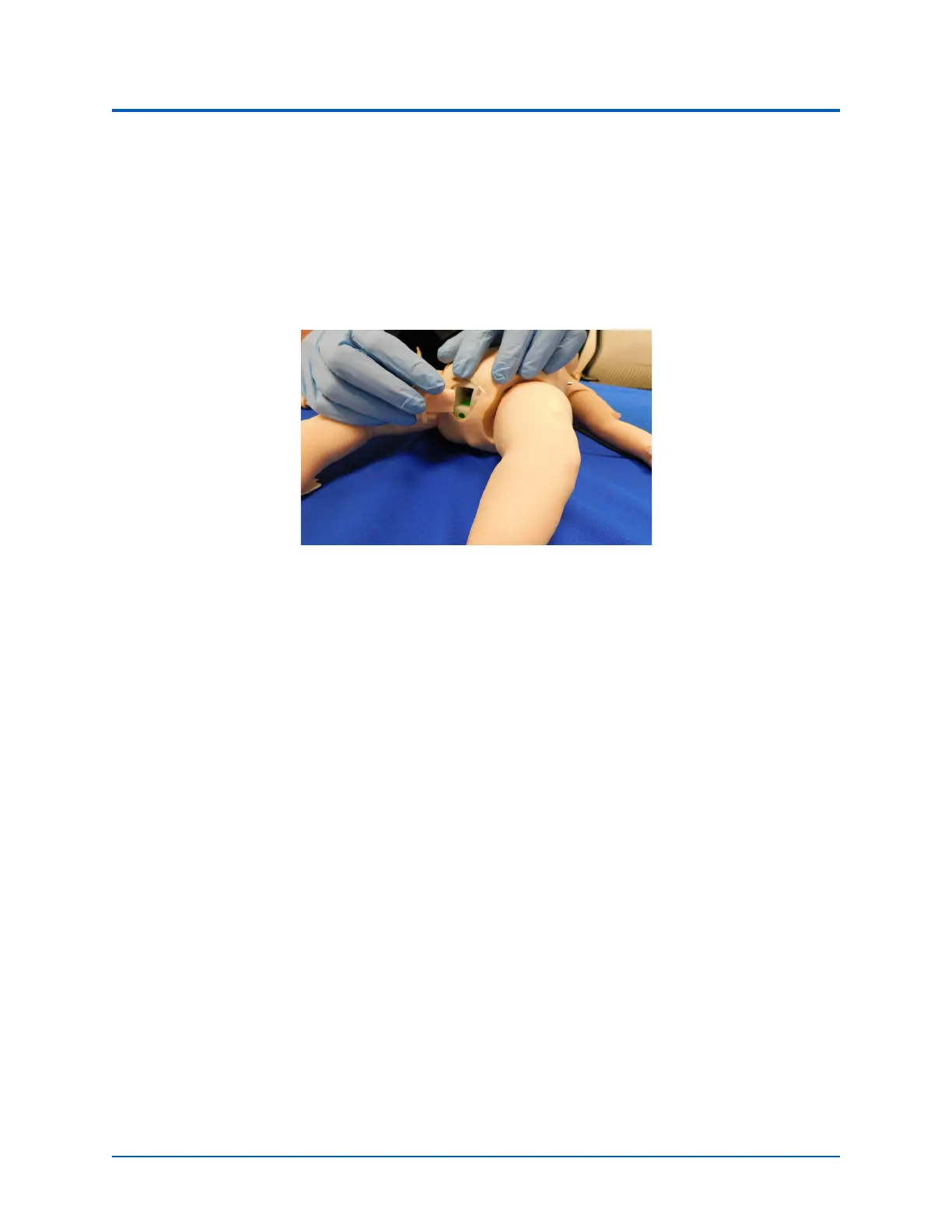
To change the genitalia:
1. Apply cottonseed oil (found in accessory kit) to the block on the backside of the genitalia
prior to inserting.
2. Peel back skin around manikin’s genitalia and pull the current genitalia piece out.
3. Replace with the desired genitalia by aligning the block and peg on the genitalia with the
corresponding holes on the manikin.
Genitalia Replacement
4.Cover the outline of genitalia with manikin’s skin.
Urinary Catheterization
To insert the urinary catheter, gently thread a lubricated catheter into opening of the genitalia: 10 cm
for female, 12 cm for male.
When the valve is engaged, a fluid flashback occurs. With the fluid receptacle already filled, a realistic
urinary catheterization with fluid release can be performed.
Medication Administration
The administration of medication using various routes of administration can be simulated through
the software, or by the physical administration of simulated medication.
Administration via Software
Certain medication administration can be simulated using the instructor software. For more
information on administering medication in the software only, see the Maestro for Luna User Guide.



 To Next Page