Setup
22 ©2022 CAE 905K560252 v1.2
CAELuna
• Do not power on any components until instructed in the text.
• Verify the content of each item in the container against the shipping paperwork to ensure
you received the correct product and parts.
• Keep original shipping materials, including boxes and foam. Warranty and repair items
must be returned and shipped in their original packaging.
For more information, see the Unpacking Your CAE Manikin instructions in the storage container.
Setup Steps
The following instructions and guidelines inform users how to assemble the simulator and configure
the instructor tablet.
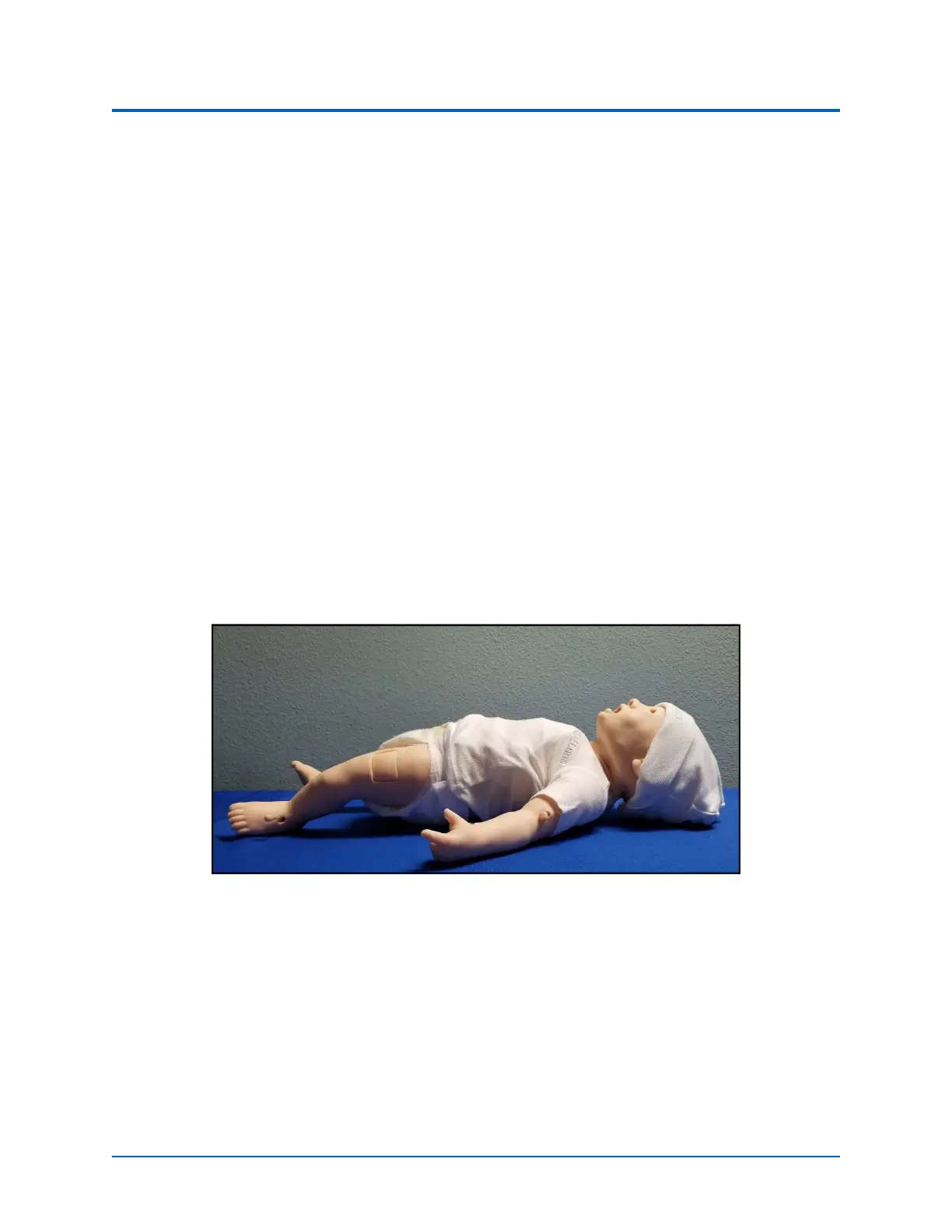
Step 1: Place Luna in Work Area
The work area should contain enough room for all equipment, easy access to the simulator and
access to a power source. CAE recommends a work area of at least a 6 foot x 6 foot (approximately
1.8 meters by 1.8 meters) for movement of learners and positioning of components around the
simulator.
Before placing the simulator on any surface, ensure that the surface can easily support 10 pounds.
Luna in Work Area
CAUTION: NEVER lift the simulator by the LIMBS. Leverage the torso of the simulator and support the
head while lifting.
Step 2: Configure the Wired Connection
While the Luna simulator can be operated wireless using battery power, the manikin and tablet
should be configured with a wired connection if the clinical scenarios being performed do not require
the manikin to be placed in a setting or position where the wired connection impedes the realism of
the simulation.



 To Next Page