©2022 CAE 905K560252 v1.2 25
Setup
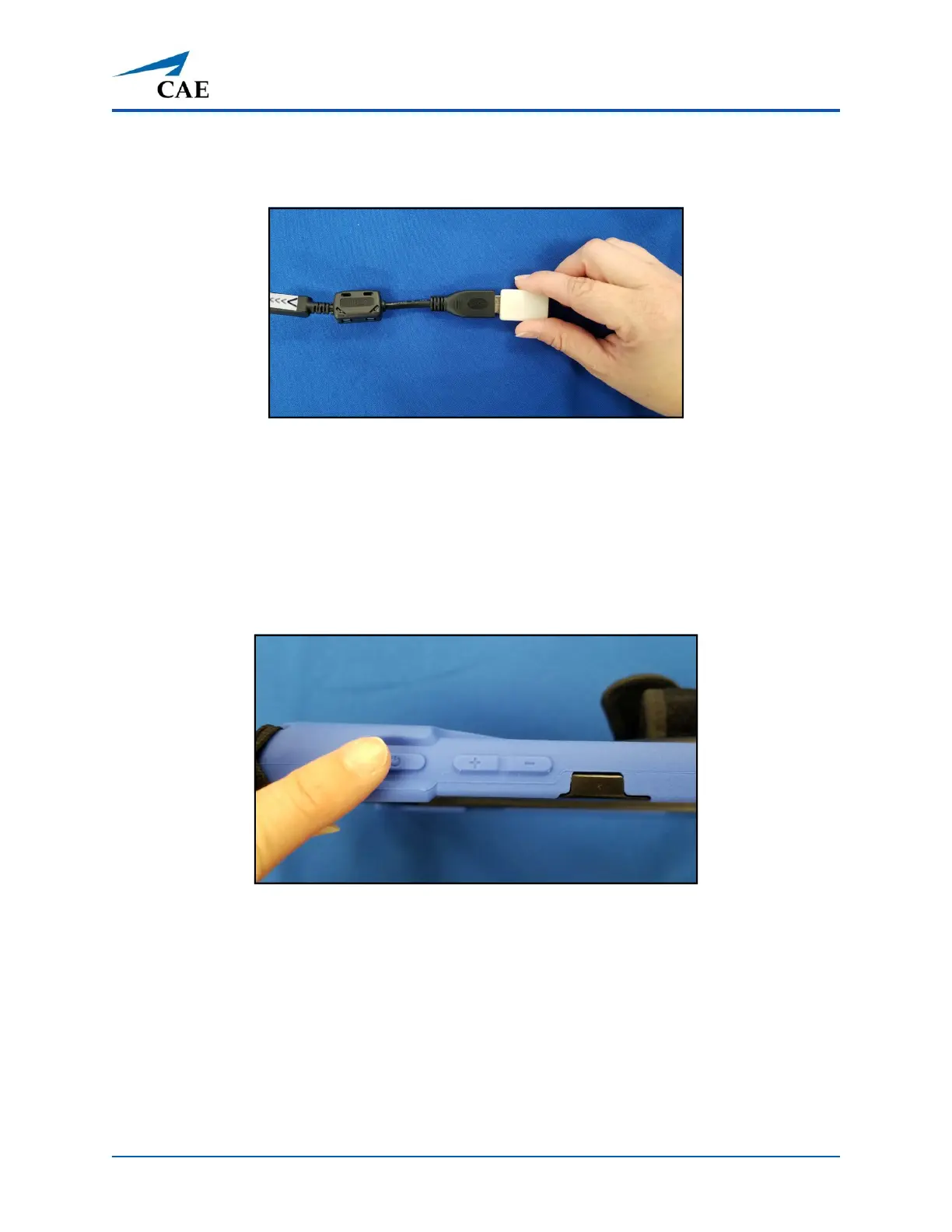
b. Insert the wireless dongle provided with the manikin into the USB end of
the adapter.
Wireless dongle in USB-C Port Adapter
Upon powering on the tablet, the manikin will automatically connect to the wireless
dongle.
Step 5: Power on the Instructor Workstation
To power on the instructor tablet, press and hold the Power button located on top of the Surface Go
tablet until the screen illuminates.
Power Button on Tablet



 To Next Page