©2022 CAE 905K560252 v1.2 69
Care and Maintenance
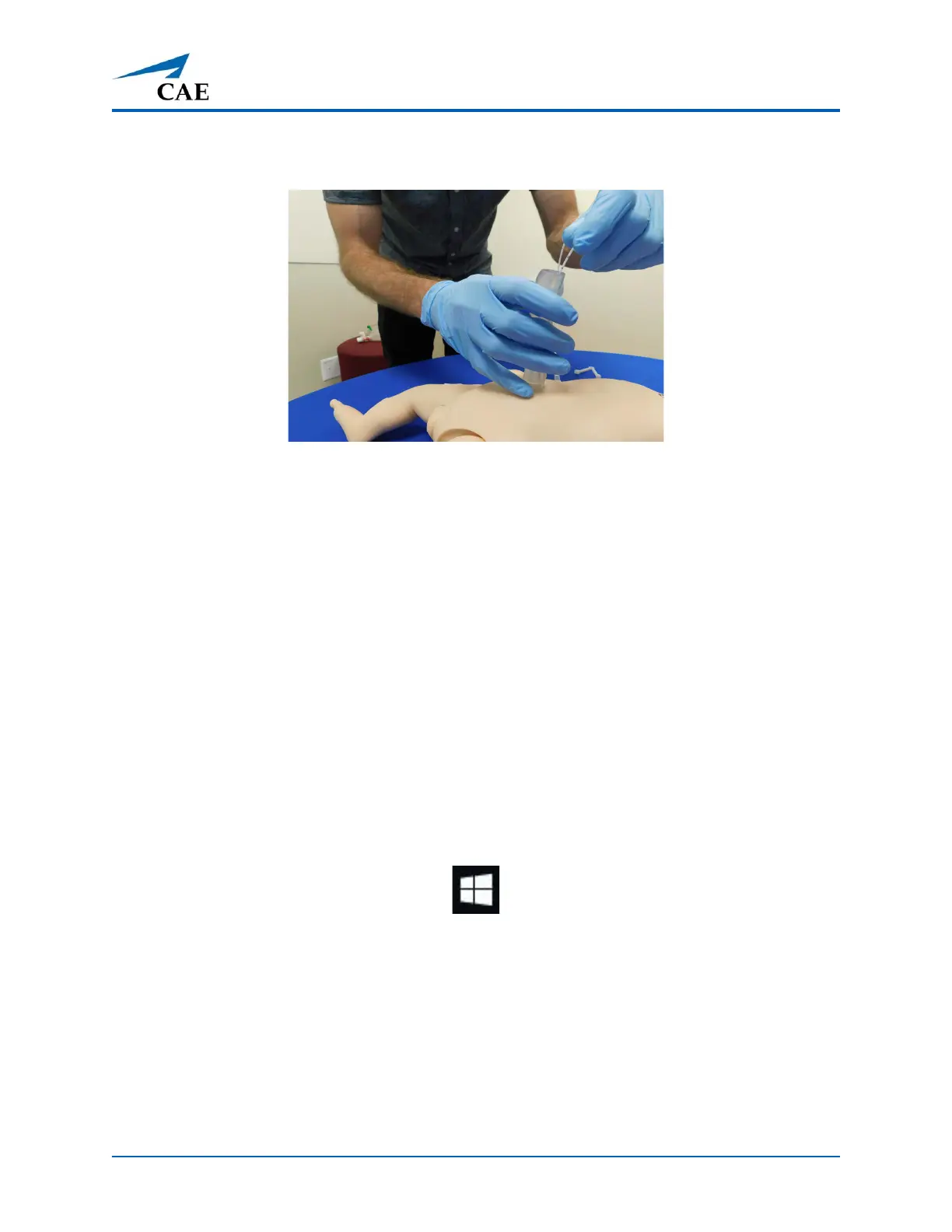
b. Attached the empty syringe to the umbilical catheter stopcock and
aspirate back as much fluid as possible.
Umbilical Catheter Removal
c. Remove the catheter and the umbilical cord.
d. Insert cotton-tipped applicator into umbilical reservoir to absorb any
remaining fluid.
e. Store manikin without the belly button plug or umbilical cord in place to
allow reservoir to dry completely.
Step 3: Power off the Instructor Workstation
To power off the instructor workstation:
a. Tap the White back arrow at the top left of the Maestro run screen to exit
the current simulation session.
b. Tap Stop.
c. Tap the red X in the upper right corner of the screen to exit Maestro.
The tablet desktop screen appears.
d. Tap the Start menu icon in the lower-left corner.
Start Menu
A menu appears.
e. From the menu, tap the Power button. A menu appears.
f. From the menu, tap Shut down.



 To Next Page