Using Luna
56 ©2022 CAE 905K560252 v1.2
CAELuna
Eyes
Each pupil of the Luna manikin can be set manually to a fixed diameter of 2 mm (pinpoint, normal or
blown) by carefully rotating the eye from left to right or right to left until the proper size appears.
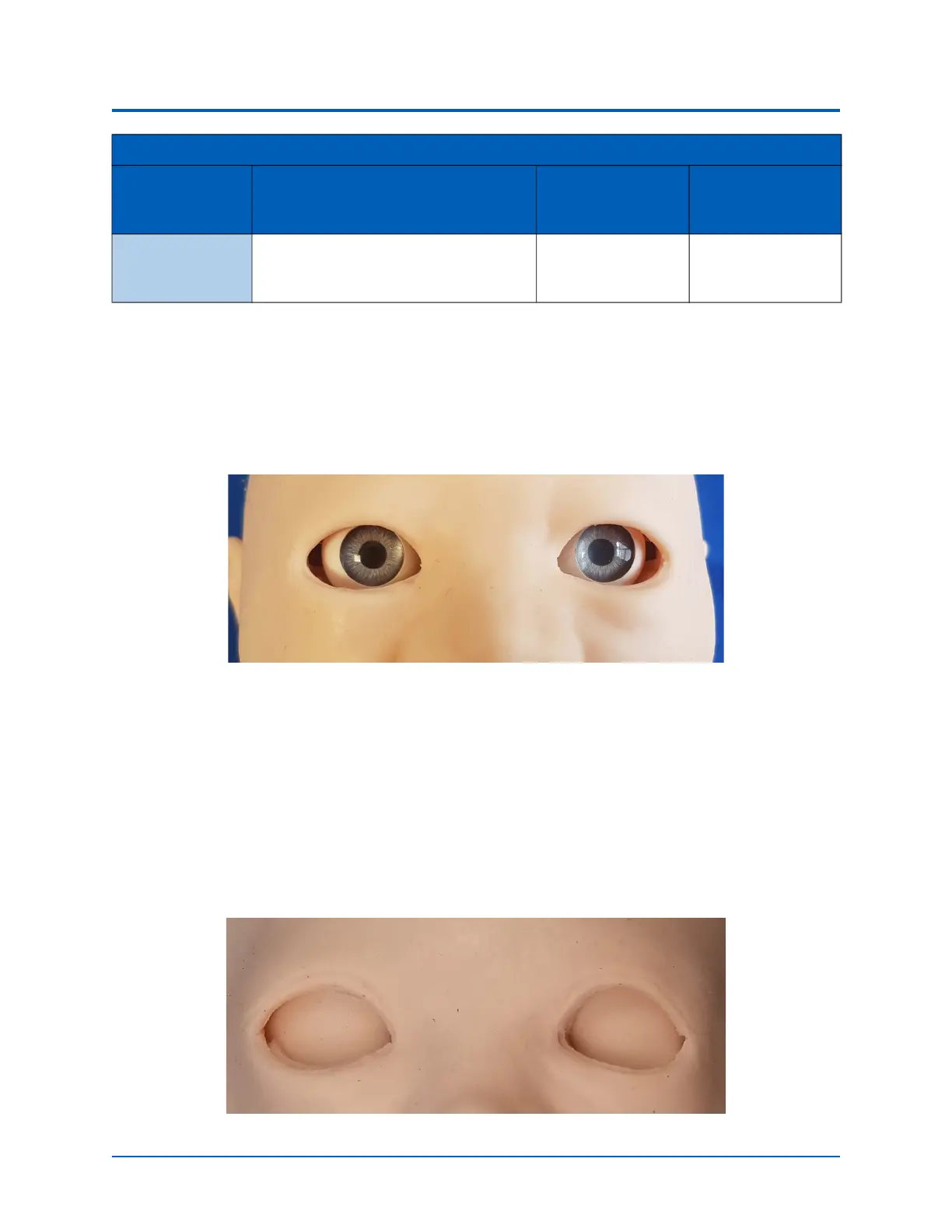
Normal Pupil Eyes
Matching Pupils
When physically moving the eyes, ensure that both eyes are rotated in the same direction, so the left
and right pupils appear to have the same focal point.
Closed Eyes
To create the appearance of closed eyes, lift the skin around the eye sockets slightly and place the
skin pieces (found in the accessory kit) over the eye balls and under the face skin.
Closed Eyes
Arm Movement Active arm movements can be used
as a indicator of the patient’s condi-
tion and/or consciousness.
Tap Arm
Movement.
None required.
Neurologic System Controls
Anatomy,
Physiology and
Clinical Signs
Clinical Interventions, Patient
Monitoring and Scenarios.
Software Control Manual Control



 To Next Page