©2022 CAE 905K560252 v1.2 63
Using Luna
To control the volume and specific sound played at a sound location, see the Auscultated
Sounds section of this user guide.
3. To turn the StethoSym off, press the power button.
Up to five (5) StethoSym's may be used with a single simulator and with different manikins. To pair a
StethoSym with a new manikin, place a powered StethoSym speaker module over a sound location
on the new simulator. Once placed, the StethoSym connects automatically to the new simulator.
Note: StethoSym only works with CAE Luna when the manikin is running in the wireless mode with
the tablet. If the manikin is plugged into the tablet, the StethoSym will not function.
Charging the StethoSym
To charge the StethoSym, use the included power supply and micro-USB cable. Refer to the table
below for status light information.
Umbilical Cord
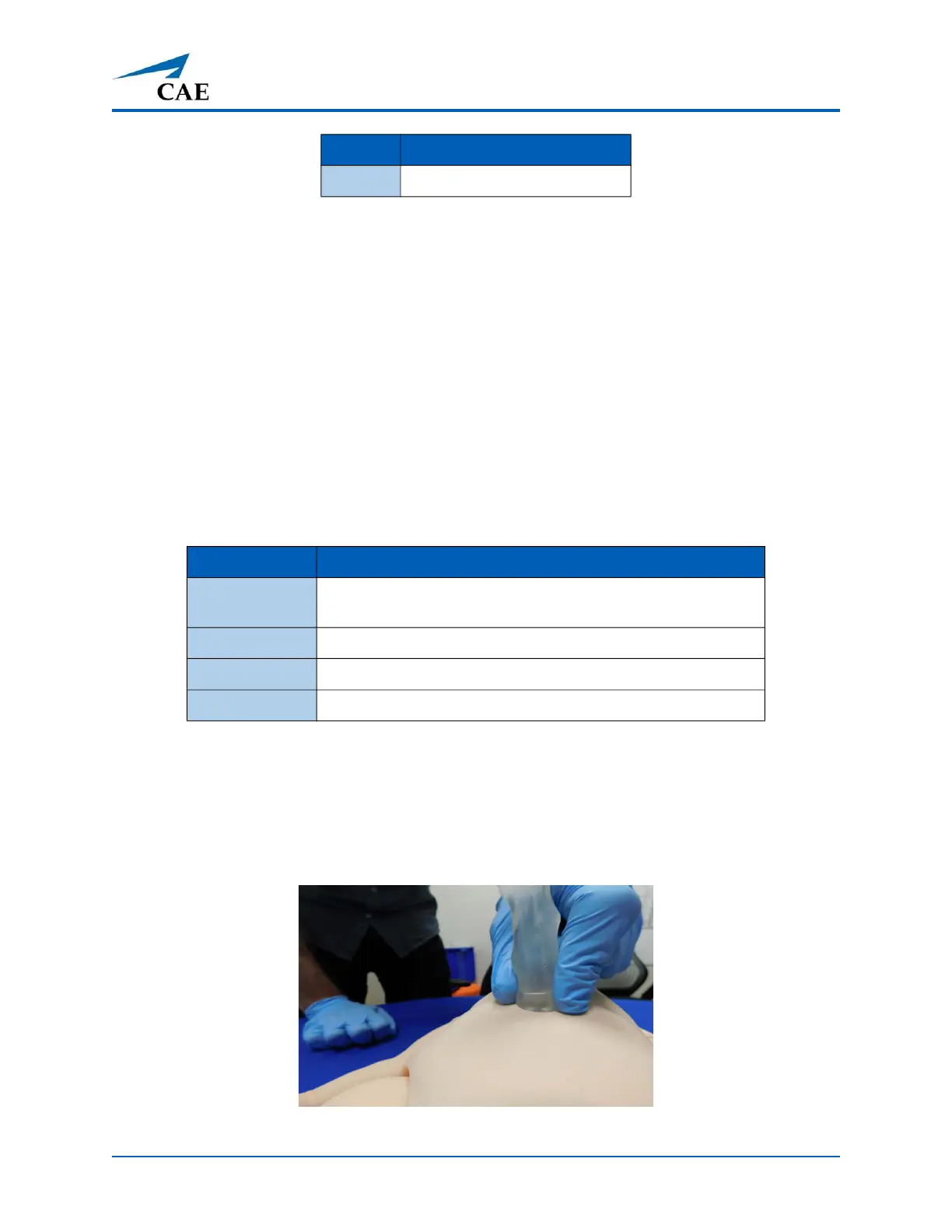
The umbilical cord can be cut and cannulized in both the arteries and the vein. To attach the umbilical
cord, align the ring at the end of the umbilical tube with the umbilical port and firmly press into
manikin until the tube is secure.
Umbilical Attached
12 Right Upper Lung
Light Color Power Status
Orange Unit is plugged into a power source and battery is charging.
Orange light turns off when the unit is fully charged.
Green Unit is on and fully charged.
Flashing Red Battery level is low and needs to be charged.
Blue Unit is on and receiving signal from manikin.
Tag # Location Sound



 To Next Page