©2021 CAE 905K720652 v1.0 35
Setup
Plugging in the Cords
Ventilator
All of the required cords are routed through the vertical support column on the Medical Cart.
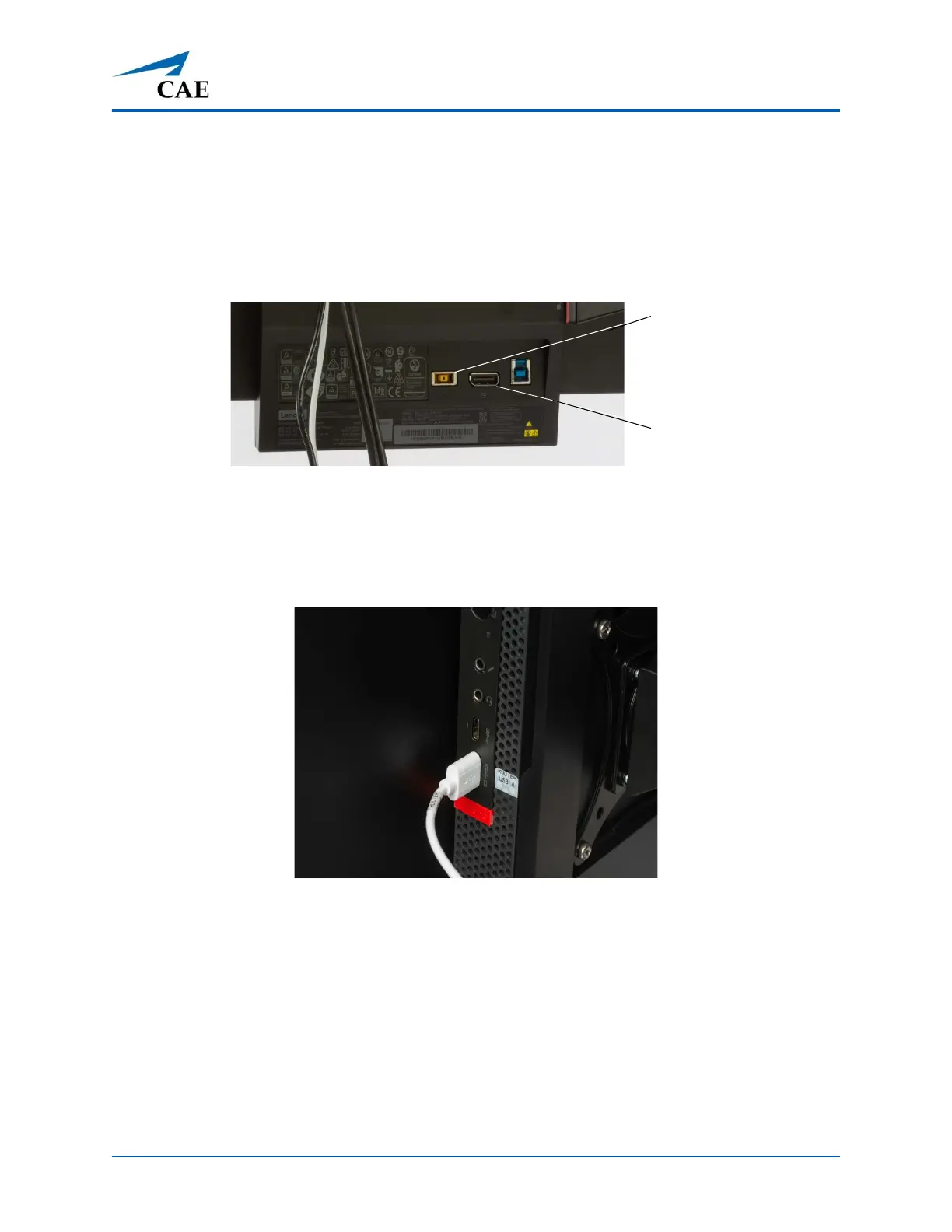
1. Plug the monitor power cord from the Medical Cart into the Monitor power port.
Monitor Ports
2. Plug the monitor display cord from the Medical Cart into the Monitor display port.
3. Plug the Router USB cord (white) from the Medical Cart into the USB port on the
computer.
Router USB to Computer Connection
Monitor
Power
Display



 To Next Page