Setup
42 ©2021 CAE 905K720652 v1.0
CAESimEquip
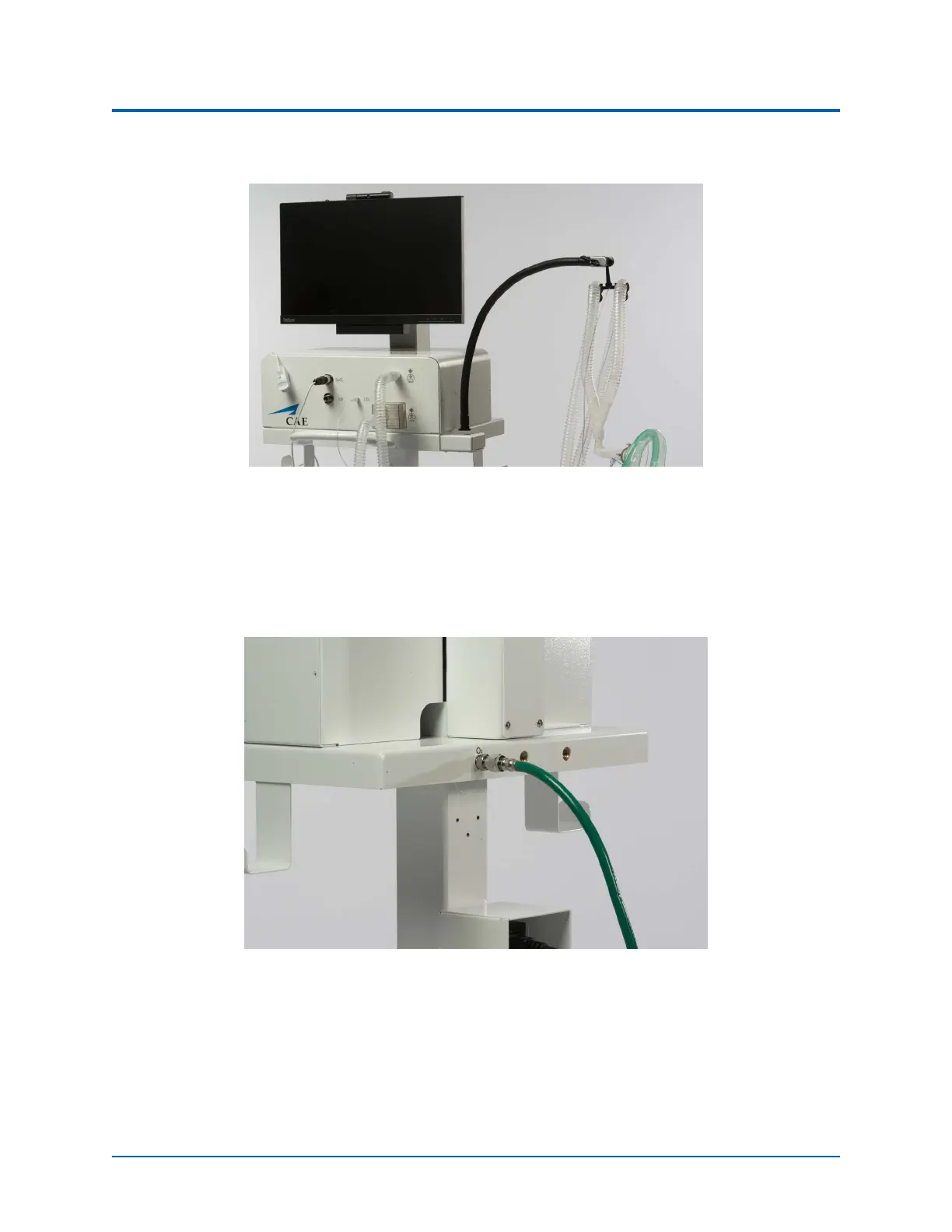
4. Attach the SpO
2
probe by aligning the notch and pushing in on the fitting.
Front Panel of Medical Cart - Ventilator Configuration
5. Attach the O
2
hose to the O
2
port in the back of the Medical Cart by twisting the fitting.
Attach the opposite end of the O
2
hose to a simulated Oxygen source.
WARNING: Never attach the hose to a real O
2
source. The medical hoses included with
SimEquip are intended for simulation purposes only.
Back of Medical Cart - Ventilator Configuration
O
2
Connected - USA Green Shown
6. Proceed to Step 5. - Power On Equipment.



 To Next Page