CS3000 User’s Guide
Calsense 13
Sharing Data Between Controllers
The FLOWSENSE feature provides the ability to configure the controller to share a point of connection
with other controllers within a FLOWSENSE chain.
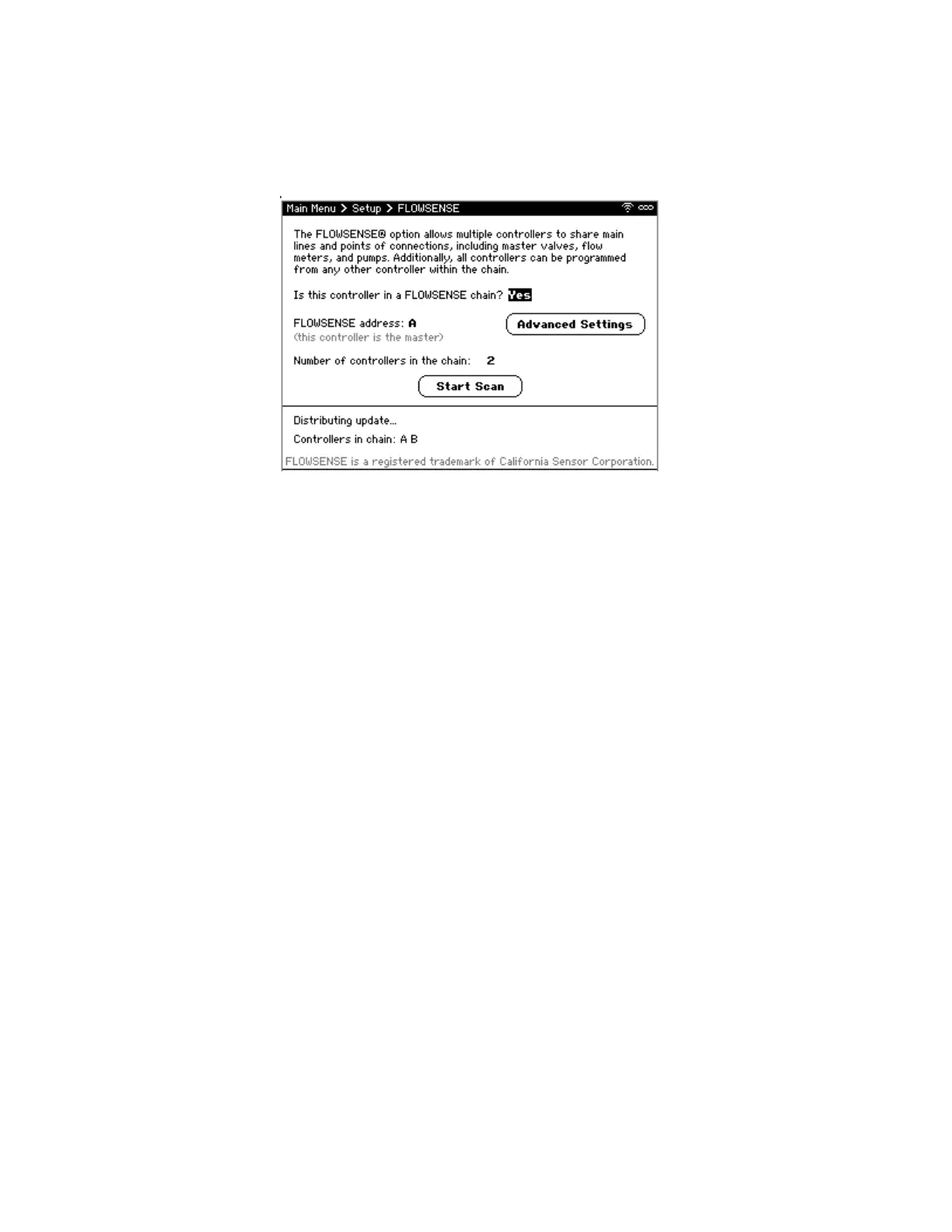
To configure FLOWSENSE (Figure 5):
1. From the Main Menu, navigate to Setup and select FLOWSENSE. The FLOWSENSE screen
displays.
2. Navigate to Is this controller in a FLOWSENSE chain? and use +/- to select Yes or No.
• If Yes:
i. Navigate to FLOWSENSE address and use +/- to change internal
communication address of controller. The controller with the internet-
connected device should be addressed “A”. The other controllers in the chain
can be addressed “B” through “L” in any order, but each must be unique.
ii. Navigate to Number of controllers in the chain and use +/- to select number of
controllers.
Note: This setting is only available for the controller addressed “A”.
iii. Navigate to and select Start Scan to discover controllers in the chain.
3. When finished, press BACK to save changes, and return to Main menu.
Figure 5: FLOWSENSE Screen



 To Next Page