CS3000 User’s Guide
24 Calsense
Initial Program Setup
Date & Time
The Date & Time feature provides the ability to set the controller’s date, time, and time zone. When the
time zone is set properly, Command Center Online ensures the time remains current.
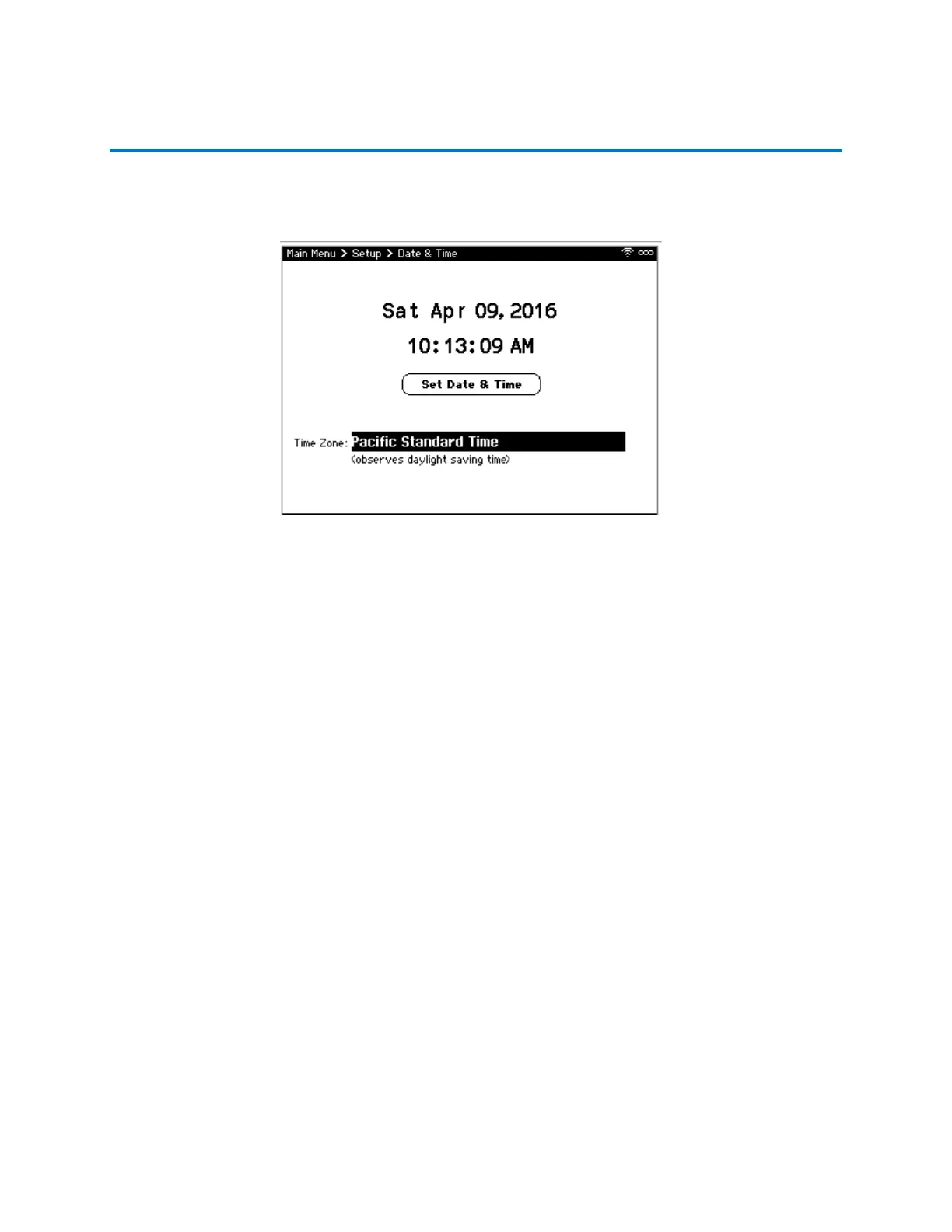
To set the date and time (Figure 12):
1. From the Main Menu, navigate to Setup and select Date & Time. The Date & Time screen
displays.
2. Navigate to Time Zone and use +/- to adjust the time zone if necessary.
3. Navigate to the date and time and use +/- to change values to set the current date and time.
4. Navigate to and select Set Date & Time to save the change.
Note: The Set Date and Time button only appears after you have made a change.
5. When finished, press BACK to save the time zone change, if made, and return to the Main
Menu.
Figure 12: Date and Time Screen



 To Next Page