CAV® 4.2 Operator's Manual, Rev. 2.0
36
Operating the CAV 4.2 CANNON®
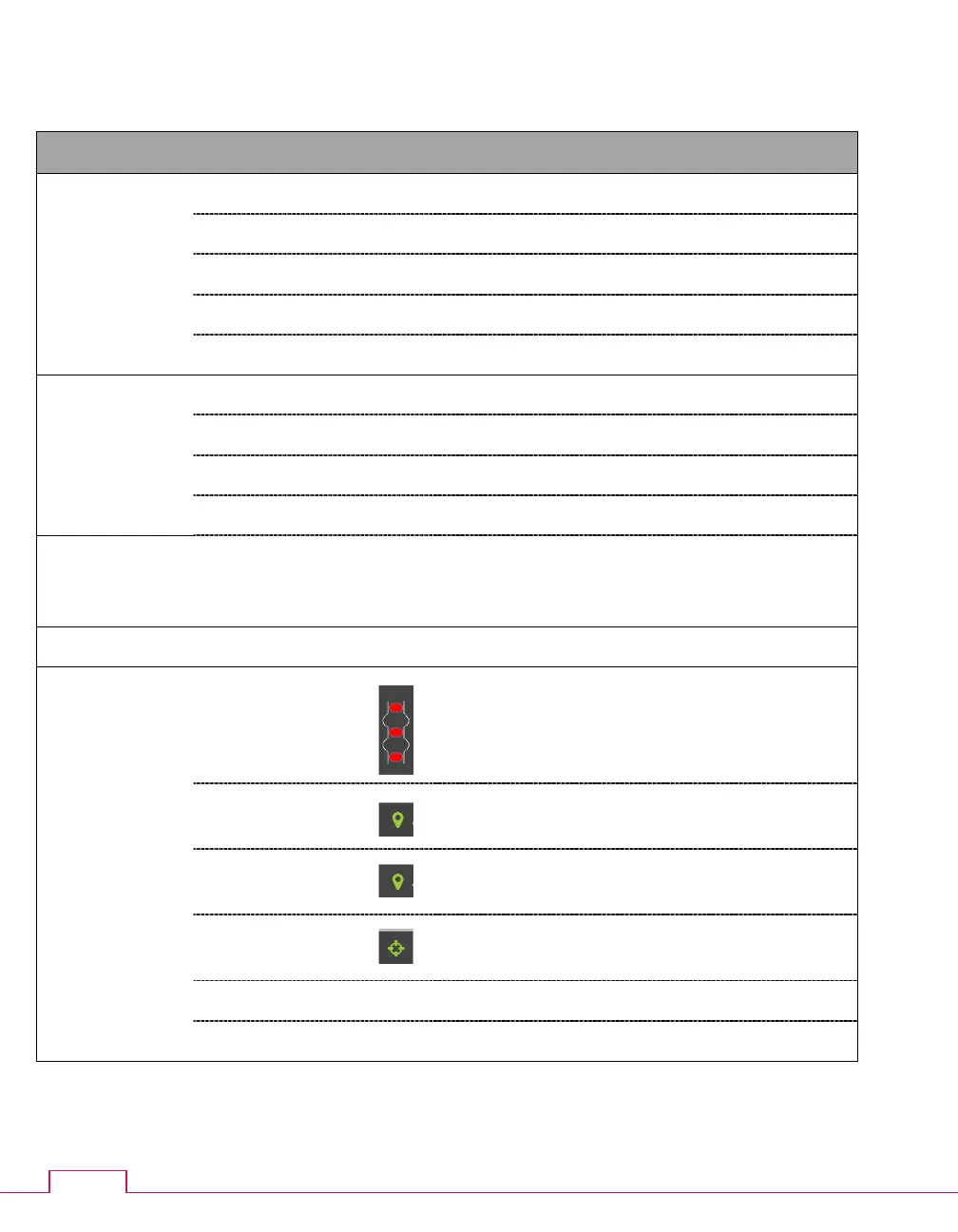
Table 19 — GUI screen details
Main screen
menu
Toggles between control modes.
Bath screen
menu
Opens tube calibration menu.
Carousel Positions 1 – 14
Each position displays the title of the sample.
Click to configure a sample.
Click center of carousel for bath options.
Status
Sensors
Displays the status of the bath sensors.
Red – unavailable
Green – covered; Gray – uncovered
Click to train sensors.
TE Cooler
Displays the status of the TE cooler.
Click to turn on/off the TE cooler.
temperature
Displays the current bath temperature.
Click to calibrate temperature.
Displays the target temperature.
Click to set target temperature.
Displays current activity.
Displays current preheater temperature.



 To Next Page