CAV® 4.2 Operator's Manual, Rev. 2.0
64
Maintenance and Service CANNON®
Adjust solvent dosing chamber sensors
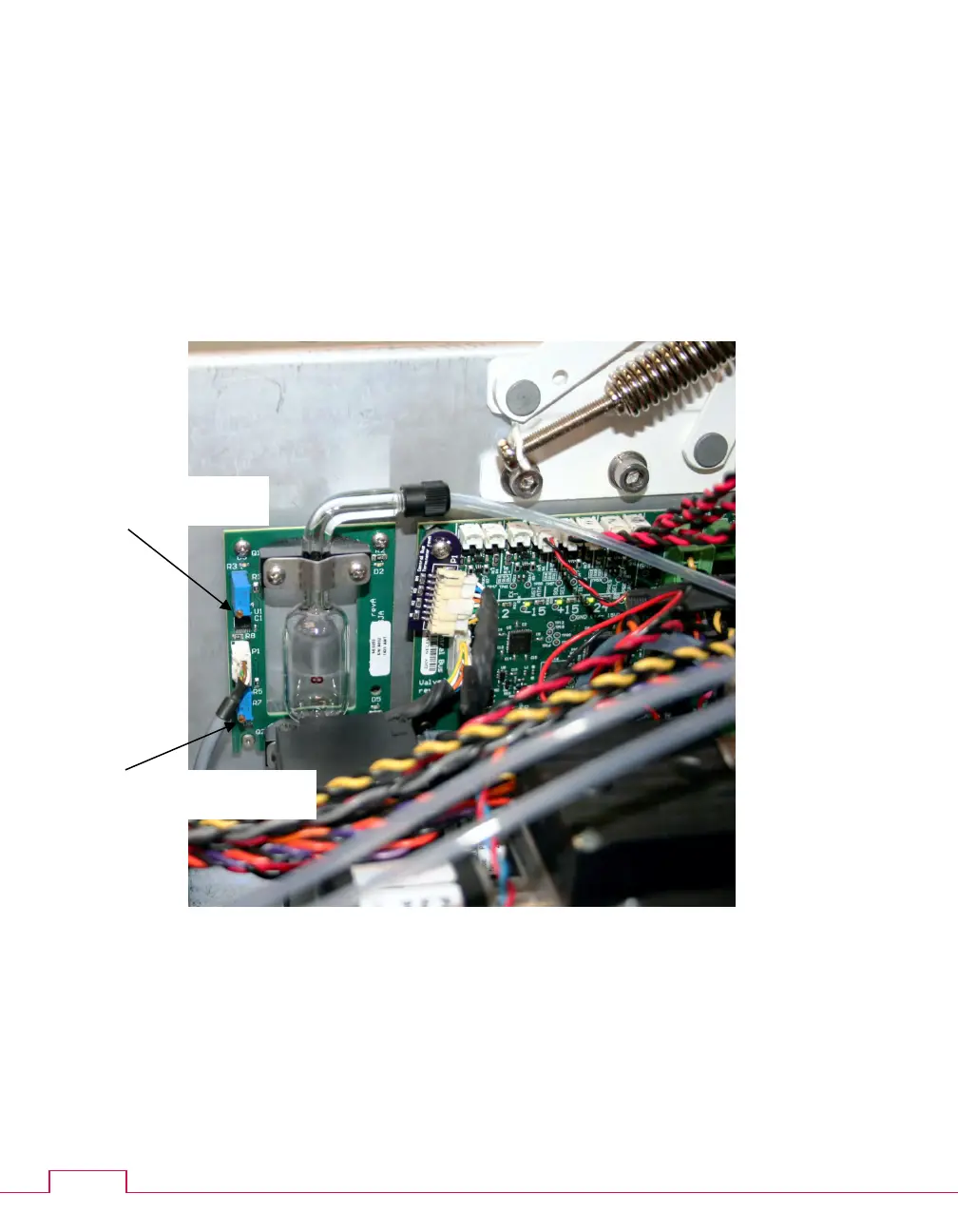
Each CAV® 4.2 bath has its own solvent dosing chamber, mounted on the side panel. Optical
sensors on the inlet and the outlet of the dosing chasing must be adjusted to "see" the solvents
that are drawn past them.
When the chamber is full of solvent, adjust the sensors by turning the set screws counter-
clockwise until the associated green light turns on. When running multiple solvents, verify
each solvent, always adjusting by turning the screws counter-clockwise.
Figure 30 — Solvent dosing chamber



 To Next Page