34
Replacing Consumables by Referring to a Motion Video
Replacing Consumables by Referring to a Motion Video
Replacement Parts
3
Replace the consumable by referring to the
screen.
POIN T
The screen and messages may vary depending
on the consumable.
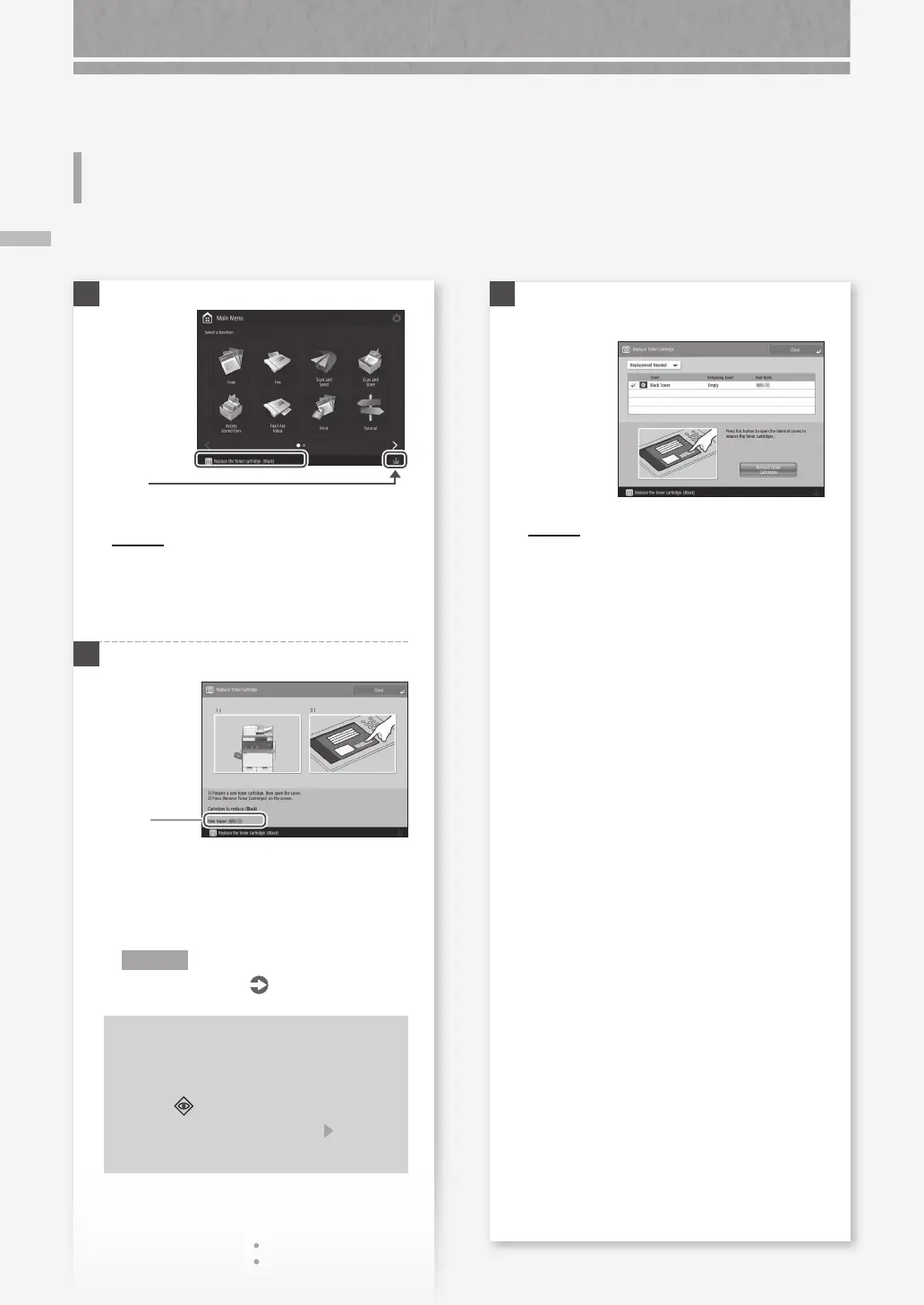
When a consumable used in the machine is nearing the time for replacement, a screen prompting you to replace it appears on the
touch panel display. Replace the consumable in question by referring to the screen.
1
POIN T
Depending on the condition of the consumable,
a screen like the one shown under step 2 may
appear first.
2
Prepare the consumable.
Check
the item
number.*
* This is an item number identifying a Canon
genuine consumables. For high quality printouts,
we recommend that you use Canon genuine
consumables.
N O T E
List of Consumables
P.35
To check the item number of a
consumable in the normal operation
screen
1.
Press on the touch panel display.
2.
Check [Consumables/ Others] [Check
Item Name] on the touch panel display.
Press
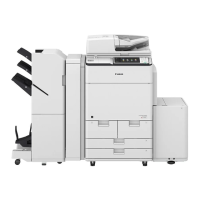
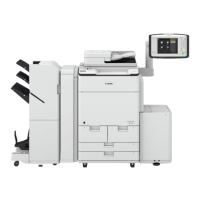
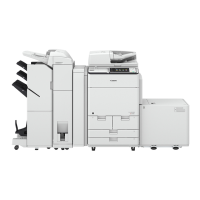
Example: Toner cartridge










 To Next Page