Using the Scanner 51
5.
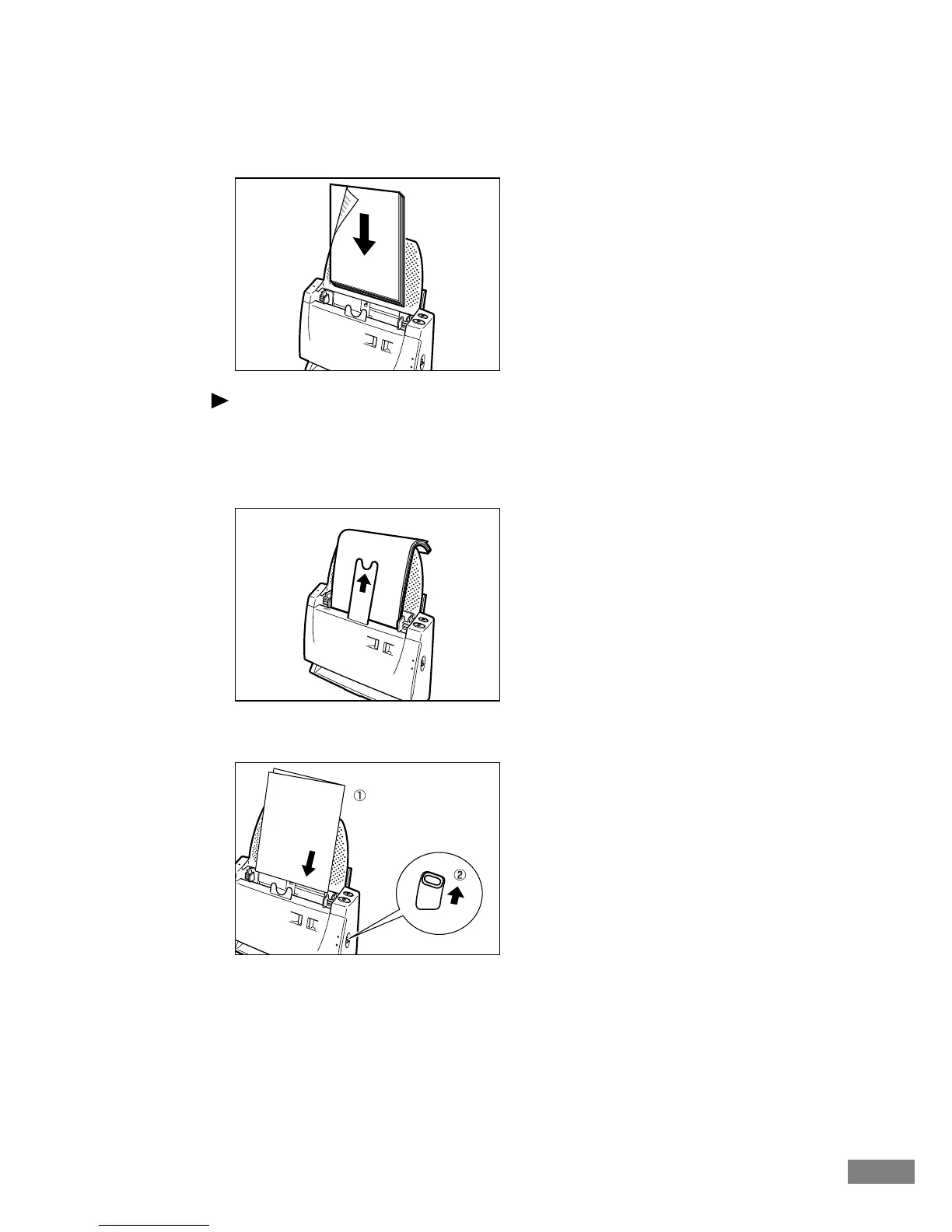
Load the document in the document feed opening.
Note
● Orient the document with the back side facing forward and top edge
pointing down, and then load it into the document feed opening.
● If the document falls forward because the paper is too thin, pull out the
paper feed extension plate and push the document so that it falls backward.
● When scanning a document folded in half, set the document with the fold
on the right (➀) and turn the feed selection lever upward (➁).
● Even if scanning a multiple number of folio (folded in half) documents, be
sure to set a document at a time.













 To Next Page