52 Using the Scanner
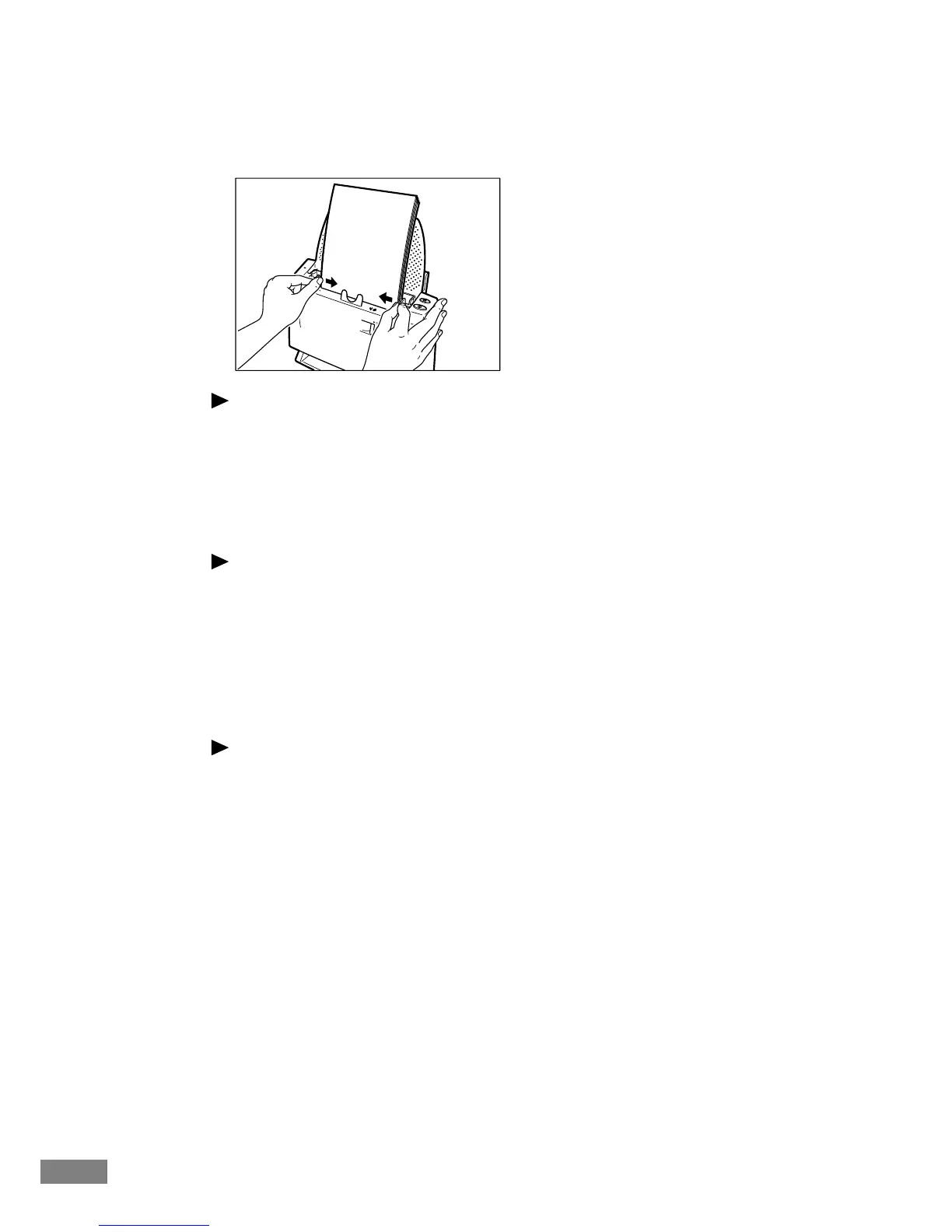
6.
Adjust the paper side guides.
Note
Before starting a scan, make sure that the document is loaded in the scanner
correctly. Scanning a curled document or a creased document can damage the
document.
7.
Perform the scanning operation in accordance with the normal operating
procedure for your application software.
Notice
● If the paper feed operation stops due to a system error or a paper jam while
the scanner is scanning, resolve the problem, make sure that the scanned
image of the last page that was fed has been stored, and then resume the
scanning operation.
● When you finish scanning, lower the paper feed extension plate, remove
the paper side guide adapters, and finally close the paper feed tray cover
and top cover to protect the scanner against possible damage.
Note
● When operating this unit, avoid wearing loose-fitting clothing, dangling
jewelry, or other objects that could be pulled into the unit. Injury could
result. Be especially careful if you are wearing a necktie or have long hair.
In the event that an object or clothing is caught in the unit, turn the power
off immediately.
● Depending on the type of document you are using, the unit may make a
strange noise when documents are fed. This is not a malfunction.













 To Next Page