47
4. Eye-Control One-Shot AF Mode
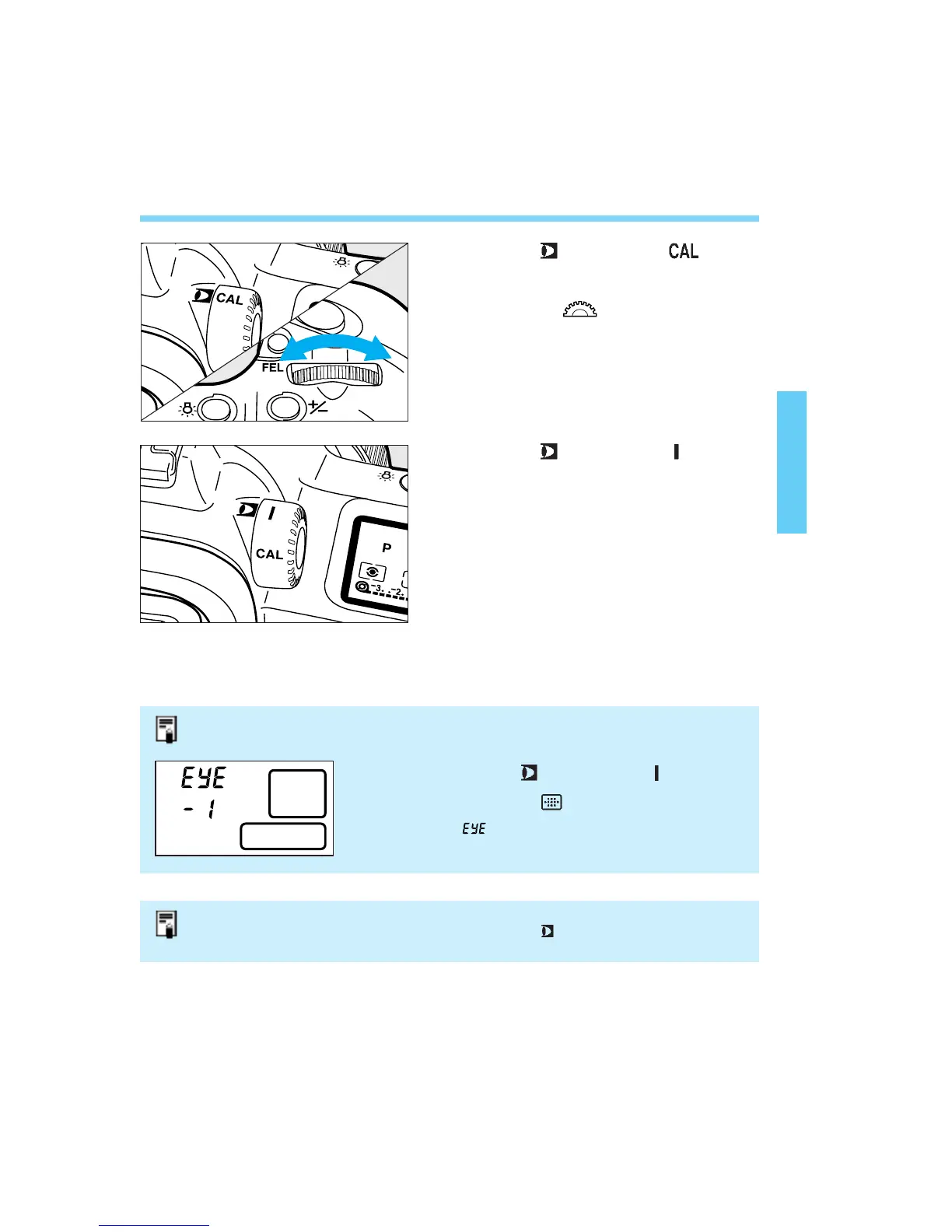
Set the < > switch to < >.
Turn the < > dial to select a
CAL No.
• The CAL No. lights if calibration has been
completed for that channel. If calibration
has not been completed, the CAL No.
blinks.
Set the < > switch to < >.
Select the shooting mode.
While looking at the point to be
focused within the area AF ellipse,
press the shutter button halfway.
• The selected focusing point lights and
achieves focus.
Take the picture.
1
2
3
4
5
6
You check the current CAL No. as follows:
1 Set the < > switch to < >.
2 Press the < > button.
• and the CAL No. will be displayed.
Eye-Control AF Selection Failure
If the focusing point cannot be eye-selected, the < > icon in the viewfinder will
blink and the camera will switch to automatic focusing point selection. See page 38.
04. C836-E (33~) 28-01-2003 11:11 Pagina 47



 To Next Page