Sending Documents
4-8
4 Press [OK] repeatedly until <FILE FORMAT> is displayed.
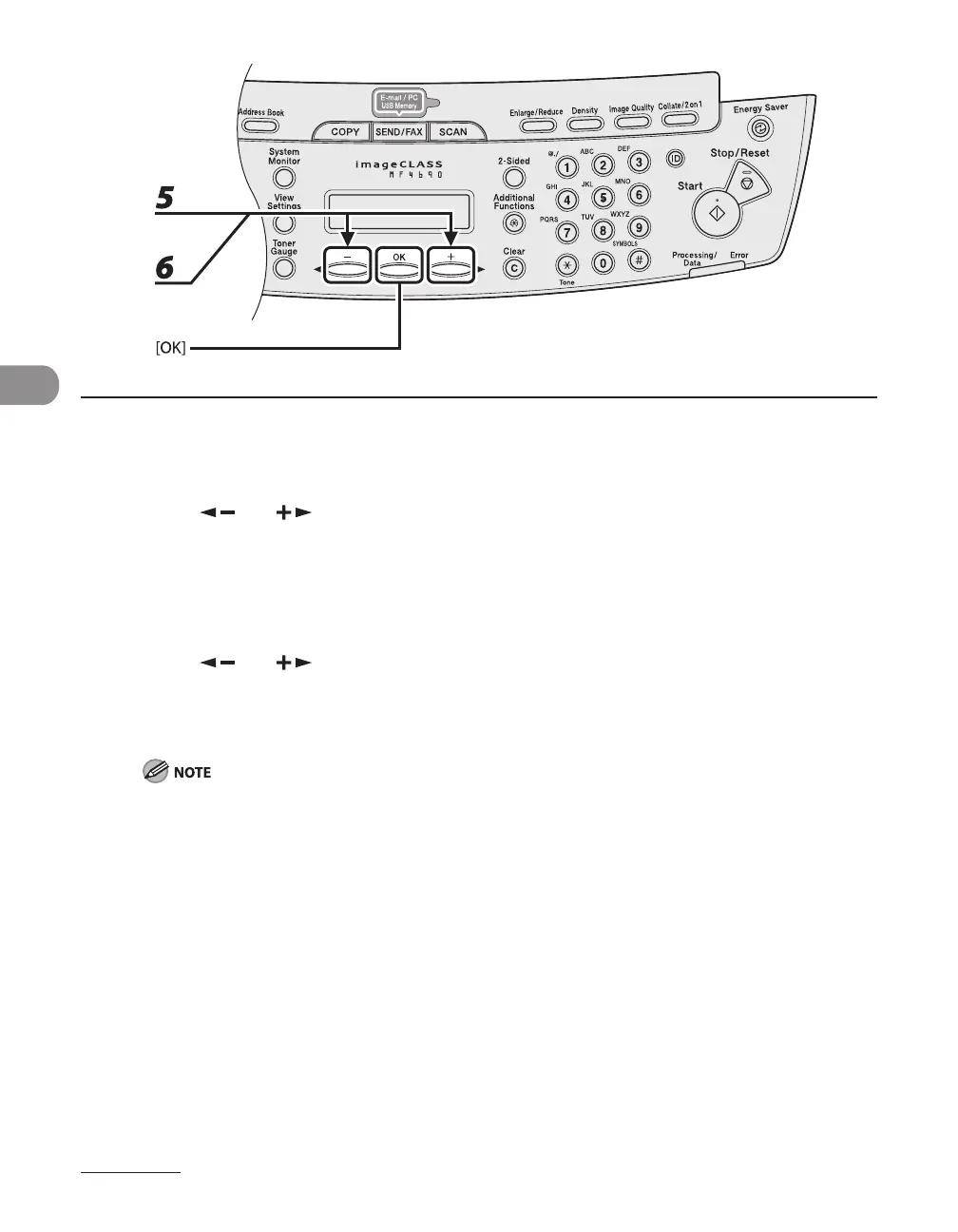
5 Press [ ] or [ ] to select the file format, then press [OK].
E-mail (B&W): <PDF>, <TIFF (B&W)>
E-mail (Color): <JPEG>, <PDF (COMPACT)>
File server (B&W): <PDF>, <TIFF (B&W)>
File server (Color): <JPEG>, <PDF (COMPACT)>
6 Press [ ] or [ ] to select <ON> or <OFF> for <DIVIDE INTO PAGES>, then
press [OK].
<OFF>: Sends multiple images as a single file without dividing them.
<ON>: Separates multiple images and sends them as separate files
If you have selected <JPEG> in step 5, this setting is not available.
<DIVIDE INTO PAGES> is automatically set to <ON> when sending documents in JPEG format.










 To Next Page