4-9
Sending Documents
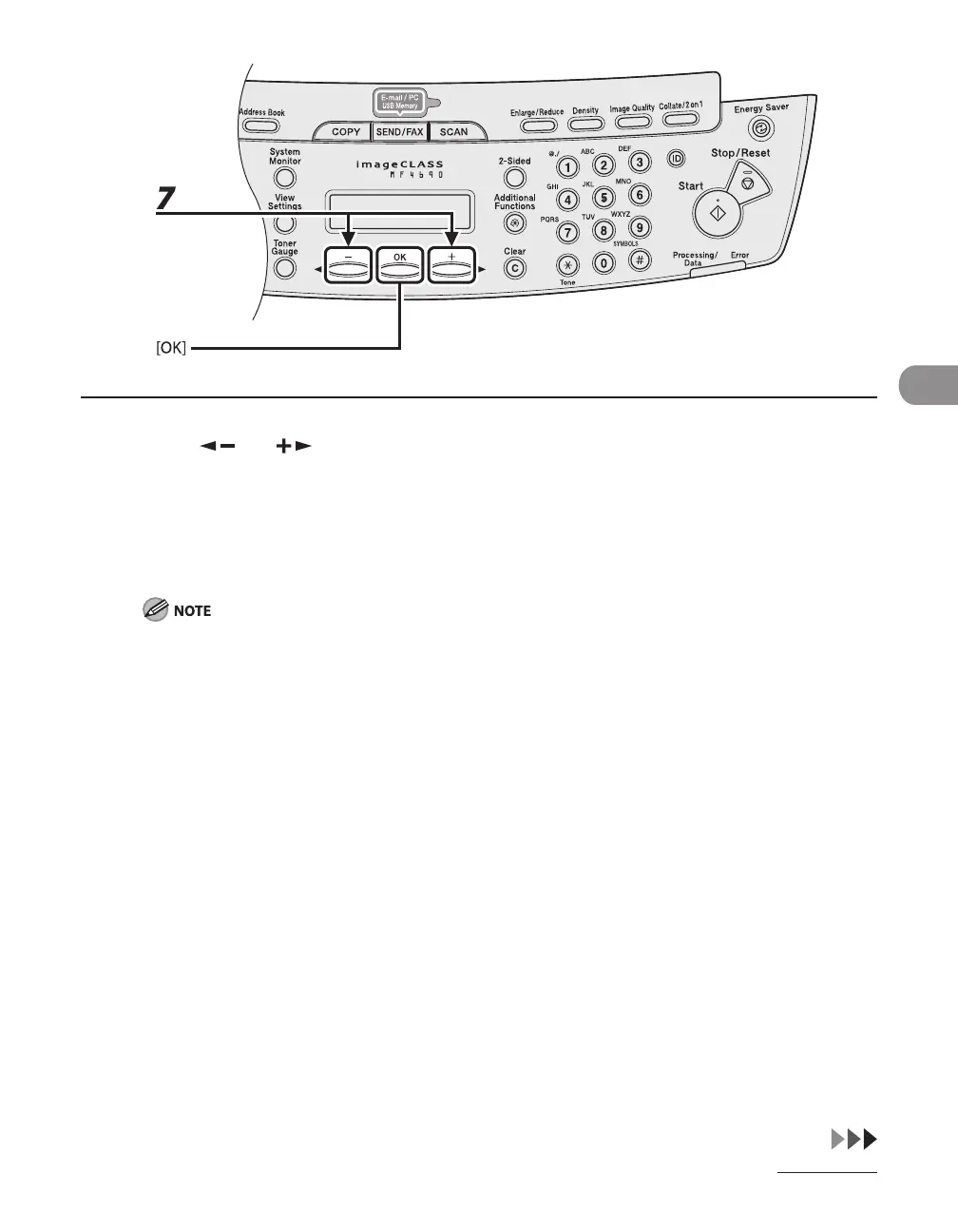
7 Press [ ] or [ ] to select the resolution, then press [OK].
E-mail (B&W): <200X200dpi>, <300X300dpi>, <400X400dpi>, <600X600dpi>, <150X150dpi>,
<200X100dpi>
E-mail (Color): <200X200dpi>, <300X300dpi>, <100X100dpi>, <150X150dpi>
File server (B&W): <200X200dpi>, <300X300dpi>, <400X400dpi>, <600X600dpi>, <150X150dpi>,
<200X100dpi>
File server (Color): <200X200dpi>, <300X300dpi>, <100X100dpi>, <150X150dpi>
If <PDF (COMPACT)> is selected as the file format, only <300X300dpi> can be selected for sending color
images attached to an e-mail message.










 To Next Page