4-13
Sending Documents
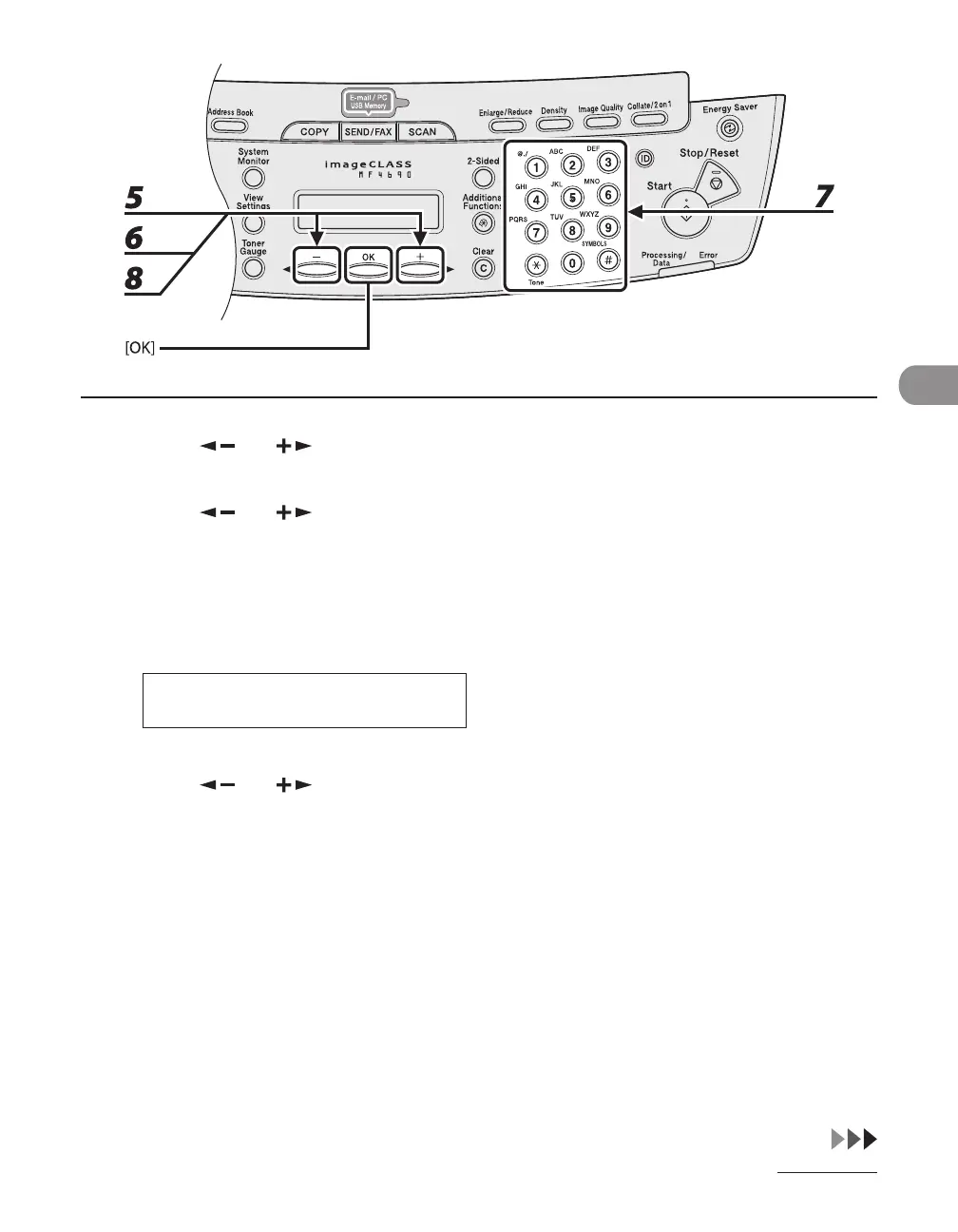
5 Press [ ] or [ ] to select <FAX>, then press [OK].
6 Press [ ] or [ ] to select <TEL NUMBER ENTRY>, then press [OK].
7 Enter the fax number you register (max. 120 digits, including spaces and
pauses) with the numeric keys, then press [OK].
0 1 2 X X X X X X X _
T E L N U M B E R E N T R Y
Ex.
8 Press [ ] or [ ] to select <NAME>, then press [OK].










 To Next Page