Sending Documents
4-14
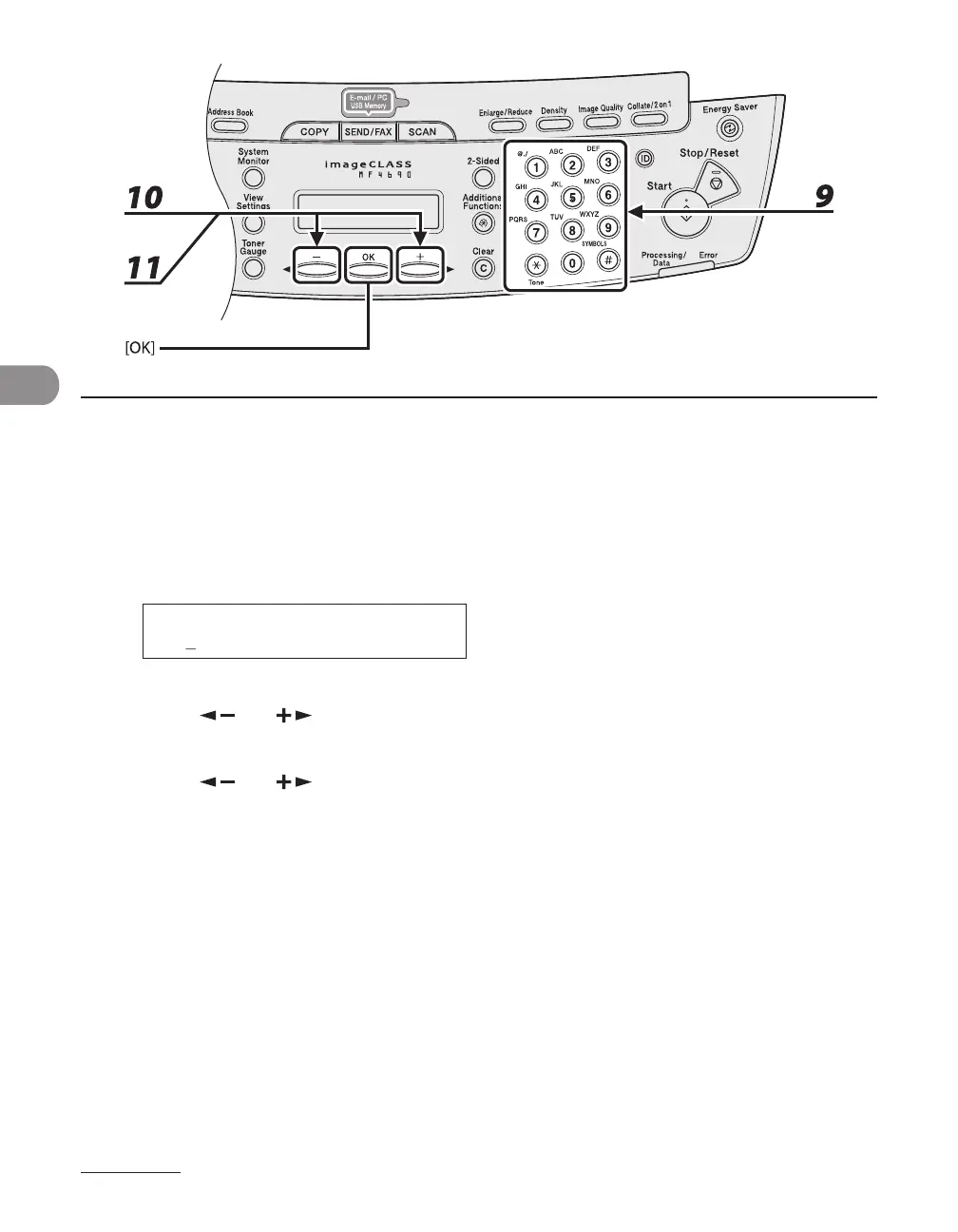
9 Enter the destination name (max. 16 letters, including spaces) with the numeric
keys, then press [OK].
If you want to specify the following optional settings (<LONG DISTANCE>, <TX SPEED>, and <ECM>) for
the fax number you are registering, proceed to the next step.
If you do not need to set these options, skip to step 18.
10 Press [ ] or [ ] to select <OPTIONAL SETTING>, then press [OK].
11 Press [ ] or [ ] to select <ON>, then press [OK].










 To Next Page