4-15
Sending Documents
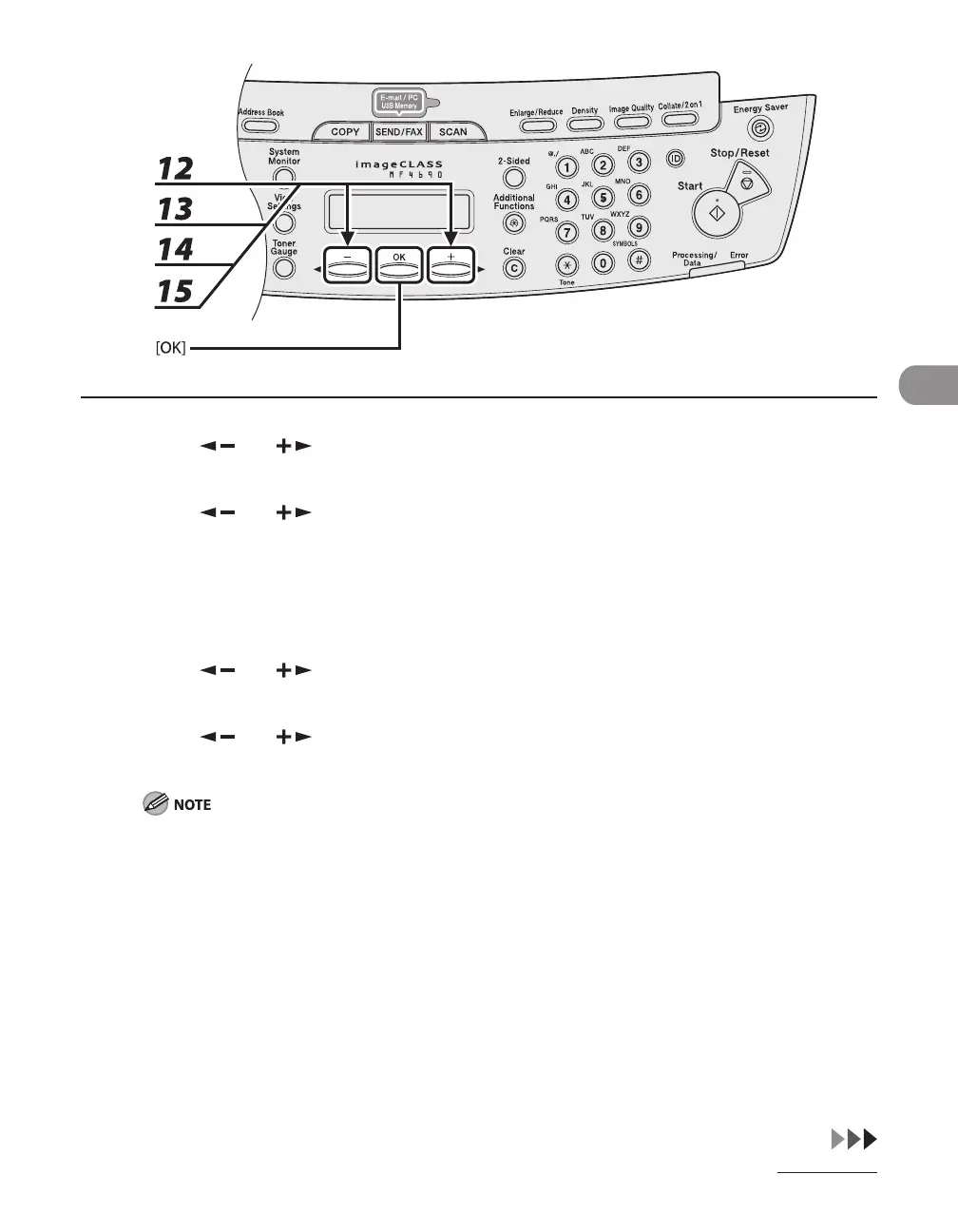
12 Press [ ] or [ ] to select <LONG DISTANCE>, then press [OK].
13 Press [ ] or [ ] to select the most effective transmission option, then press
[OK].
<DOMESTIC>: Normally select this option.
<LONG DISTANCE 1-3>: Select one of these options when you make an international call. If errors occur
during fax transmissions, try the setting from <LONG DISTANCE 1> through <LONG DISTANCE 3>.
14 Press [ ] or [ ] to select <TX SPEED>, then press [OK].
15 Press [ ] or [ ] to select the sending speed (33600 bps, 14400 bps, 9600
bps, or 4800 bps), then press [OK].
If transmission errors occur frequently, lower the speed.










 To Next Page