Sending Documents
4-16
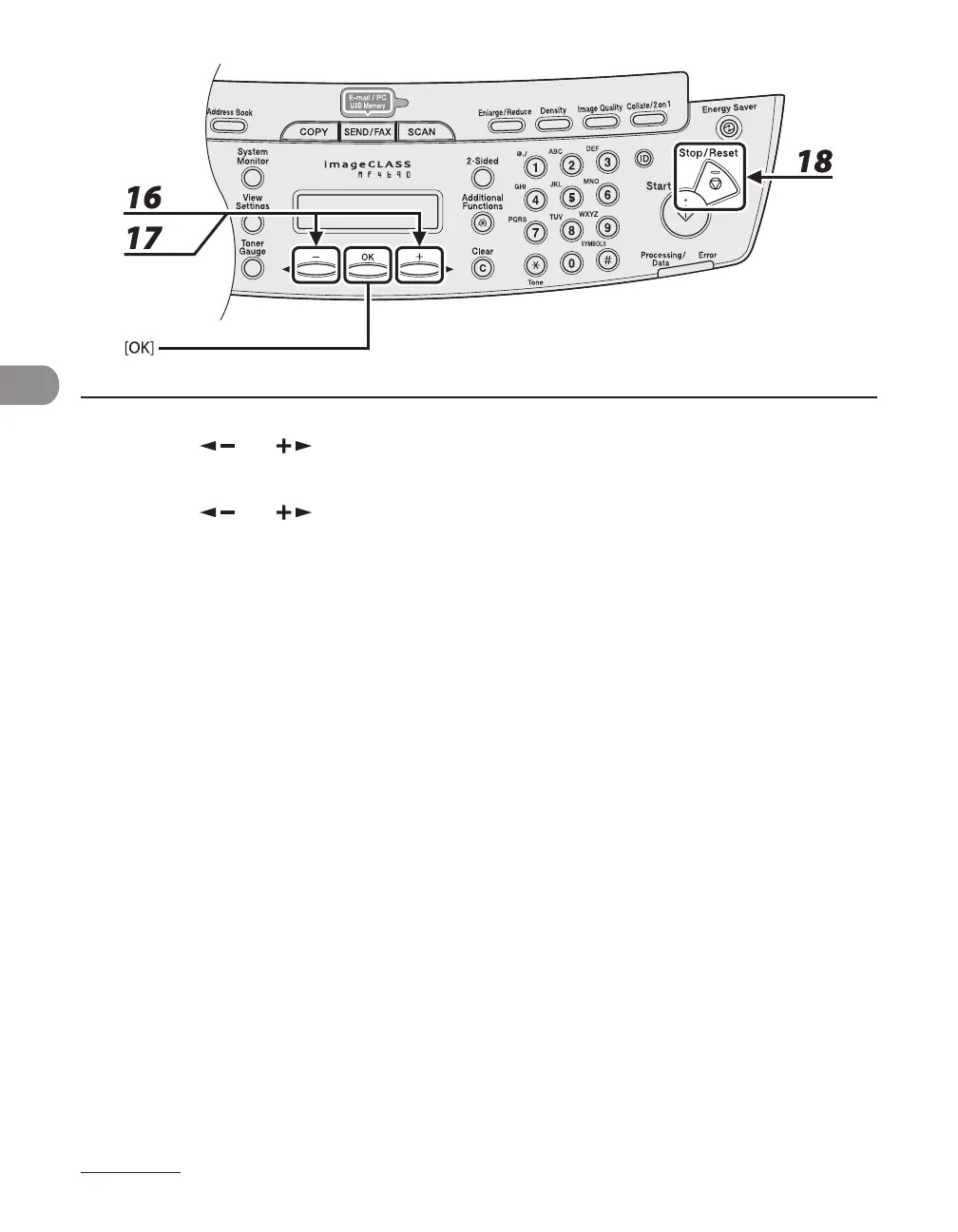
16 Press [ ] or [ ] to select <ECM>, then press [OK].
17 Press [ ] or [ ] to select <ON> to reduce system and line errors while
sending to or receiving from other machines that support ECM, then press [OK].
To register another one-touch key or coded dial code, repeat the procedure from step 4.
18 Press [Stop/Reset] to return to the standby mode.










 To Next Page