4-21
Sending Documents
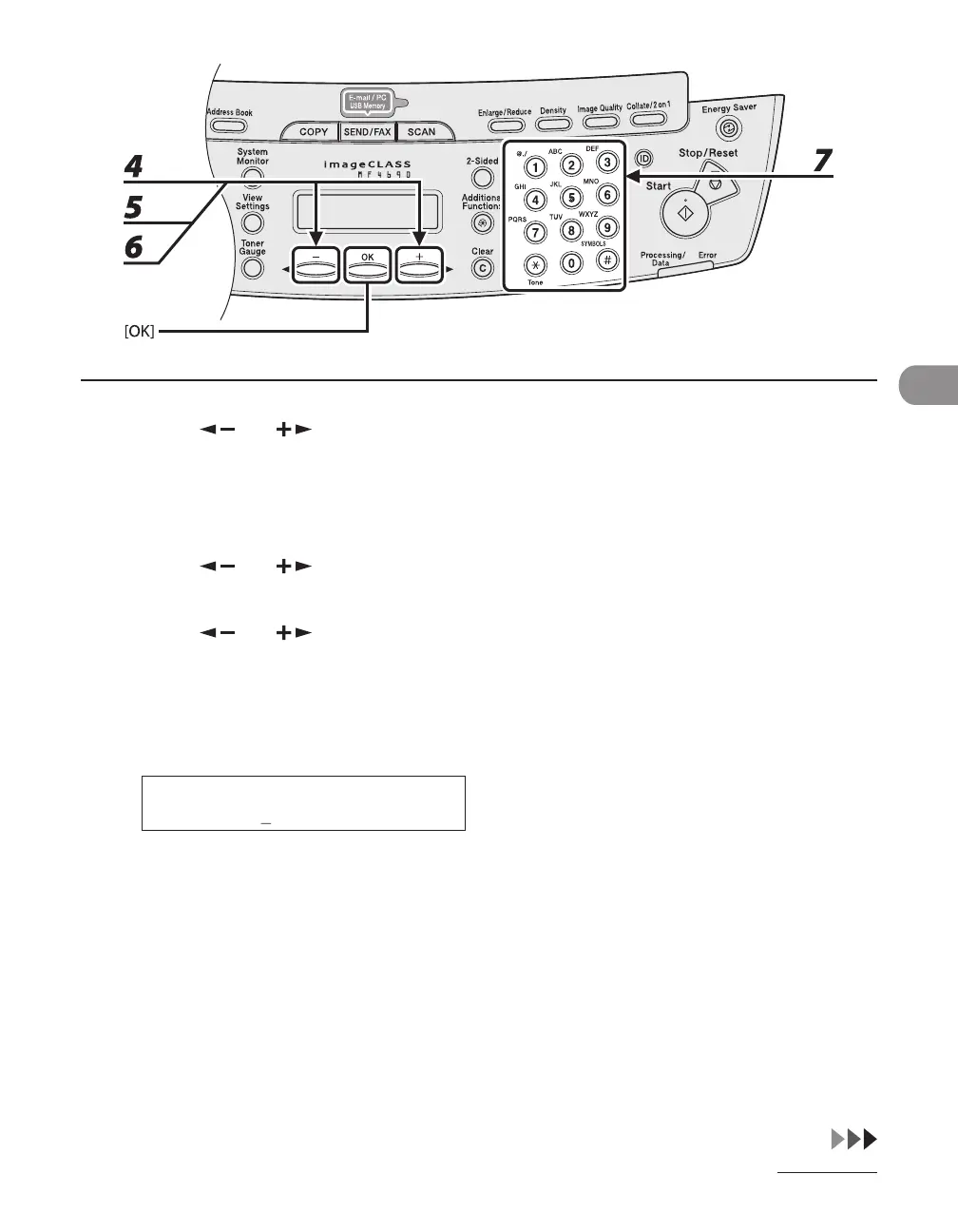
4 Press [ ] or [ ] to select a one-touch key (01 to 08) or coded dial code (000
to 191) for which you want to register the address, then press [OK].
You can also select a one-touch key or coded dial code by pressing the corresponding one-touch key, or
[Coded Dial] followed by the desired three-digit code.
5 Press [ ] or [ ] to select <SMB>, then press [OK].
6 Press [ ] or [ ] to select <HOST NAME>, then press [OK].
7 Use the numeric keys to enter the name of the file server on the network (up to
120 characters), then press [OK].
H O S T N A M E : 1
c a n o n 0 1
Ex.










 To Next Page