12-13
Machine Settings
TX/RX SETTINGS
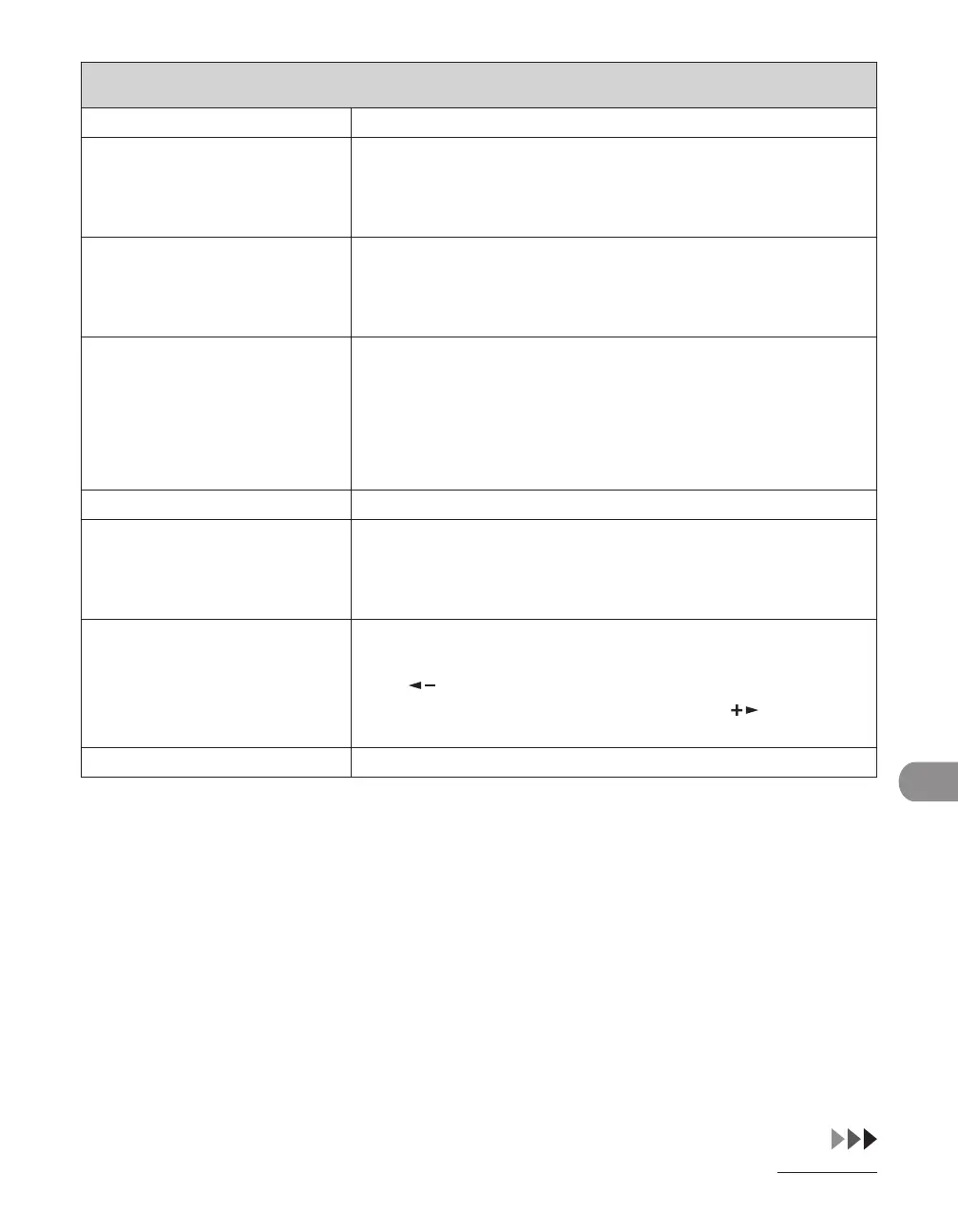
7. TX TERMINAL ID Sets the options for sender information.
1. PRINTING
POSITION
Selects where the sender information is printed in small type at
the top of each page.
OUTSIDE IMAGE
INSIDE IMAGE
–
–
2. TELEPHONE #
MARK
Prefixes your number with the abbreviations FAX or TEL in your
sender information.
FAX
TEL
–
–
8. COLOR TX GAMMA Sets the gamma value for color scanned data. If the set value
corresponds to the gamma value at the recipient’s machine, the
scan exposure of the output data at the recipient’s machine is
automatically adjusted to the level best suited to the quality of
the original.
(GAMMA 1.8, GAMMA 2.2, GAMMA 1.0, GAMMA 1.4)
9. SHARPNESS Sets the contrast of the images you scan. (1-7)
10. LOG USB MEM.STORE Sets whether to leave the log of saving images to the USB
memory.
OFF
ON
–
–
11. INIT STANDARD SET Sets whether to restore <STANDARD SETTINGS> in <TX
SETTINGS> to the default.
Press [ ] to select <YES>.
If you do not want to restore all settings, press [ ] to select
<NO>.
2. RX SETTINGS Sets the reception features.










 To Next Page