Loading a Roll
Important
•
Do not force the roll paper into alignment with the Paper Ali
gnment Line (a) . This
may prevent the paper from bein g adv anced straight.
9
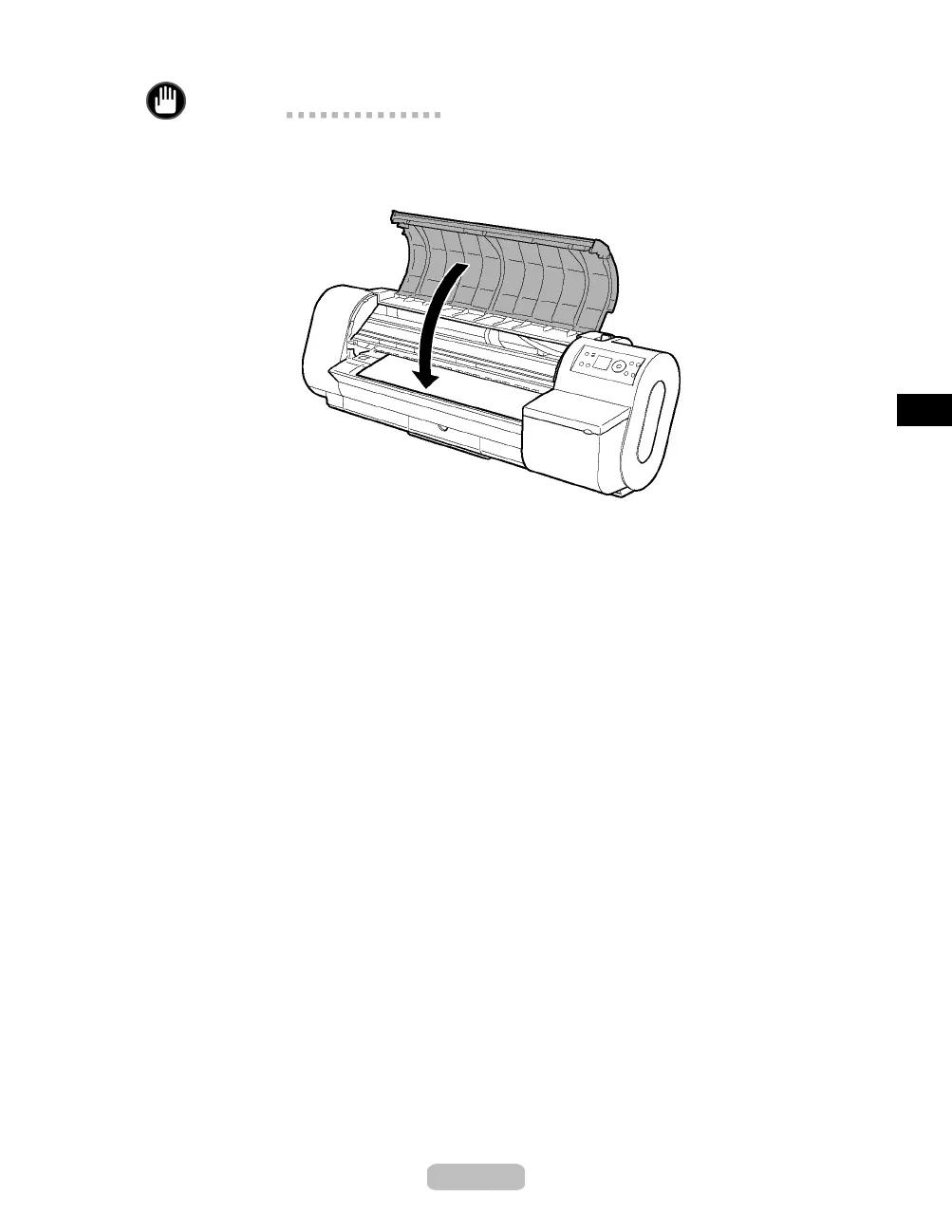
Close the Top Cover.
After you load a roll, the pr int er automatically shows a menu for selection of the paper
type on the Display Screen.
At this point, specify the paper type. ( →"Selecting the Paper Type (Roll)," User Manual)
17















 To Next Page