Loading Sheet s Manually
Note
•
If you print on a long sheet (longer than 914 mm [36 in]), the t
railing edge may touch
the floor and become dirty. Before loading long paper, remove the Roll Holder and
spread a clean cloth or paper on the floor.
3
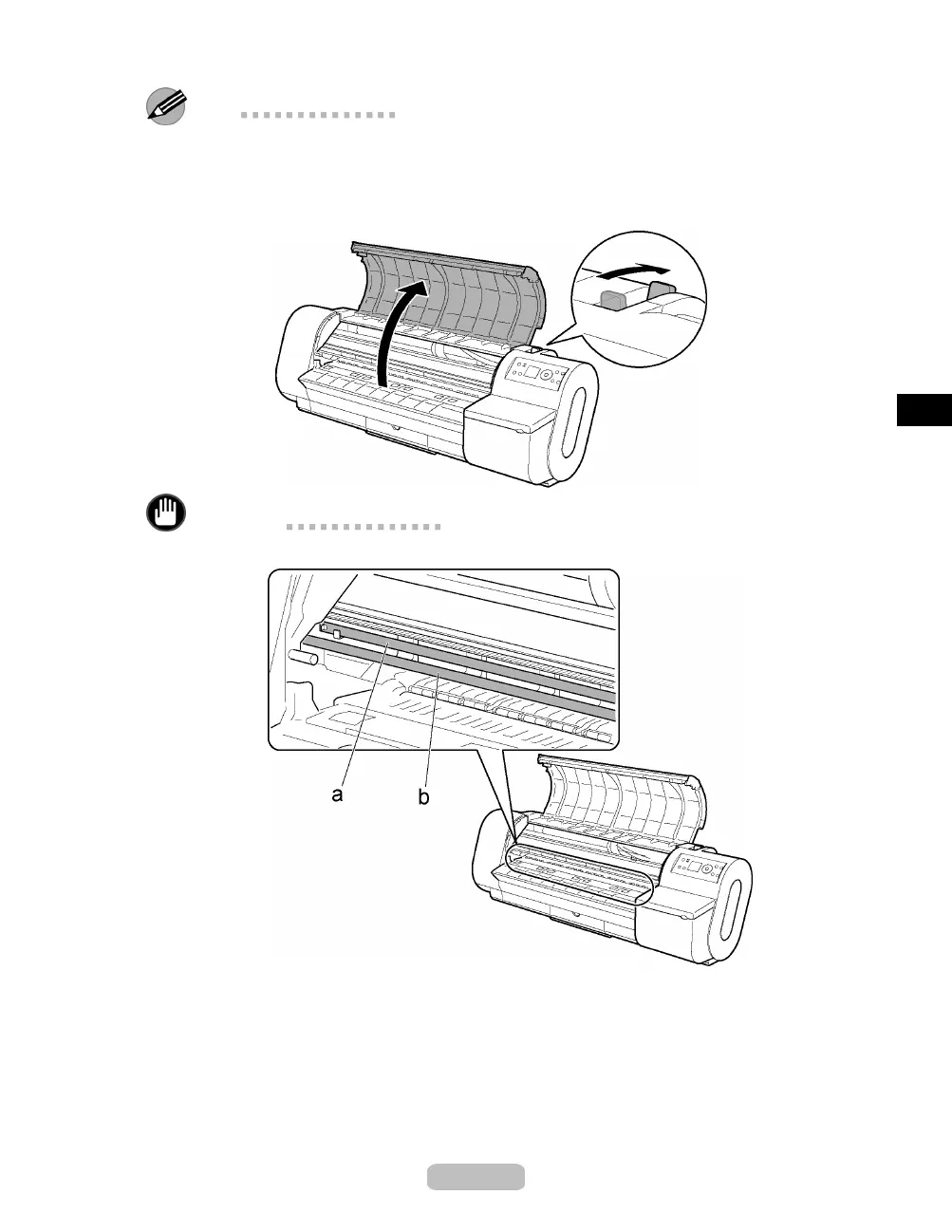
Open the Top Cover and push the Release Lever back.
Important
•
Do not touch the Linear Scale (a) or Carriage Shaft (b).
19















 To Next Page