Replacing Ink Tanks
7
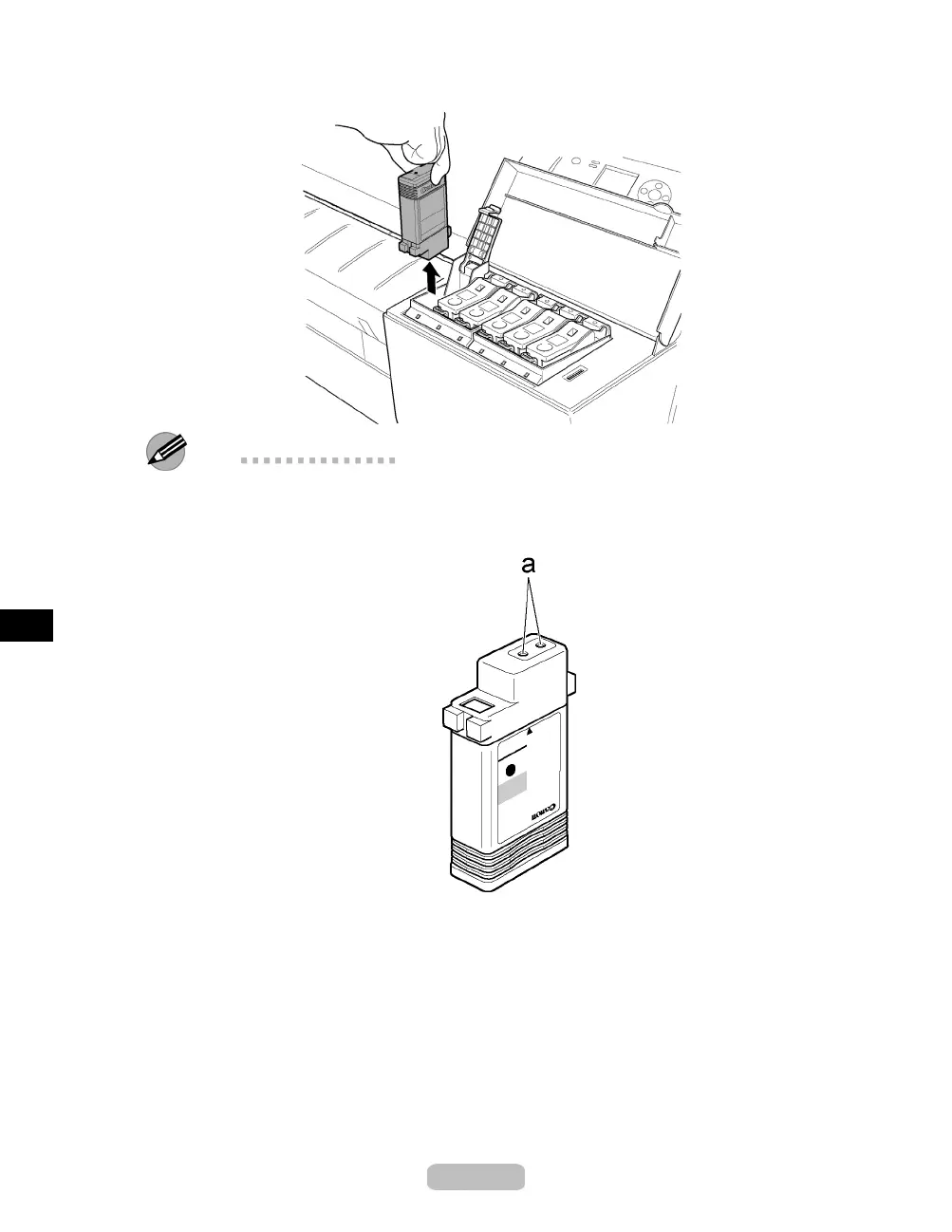
Hold the empty Ink Tank bythegriptoremoveit,andpresstheOK button.
Note
•
If there is still some ink left i n th e Ink Tank you removed, store the ink tank w ith
the ink holes (a) facing up. Otherwise, ink may leak and cause stains. Put the Ink
Tank in a plast ic bag and seal it.
•
Dispose of used Ink Tank according to local regulations.
34















 To Next Page