Replacing Ink Tanks
8
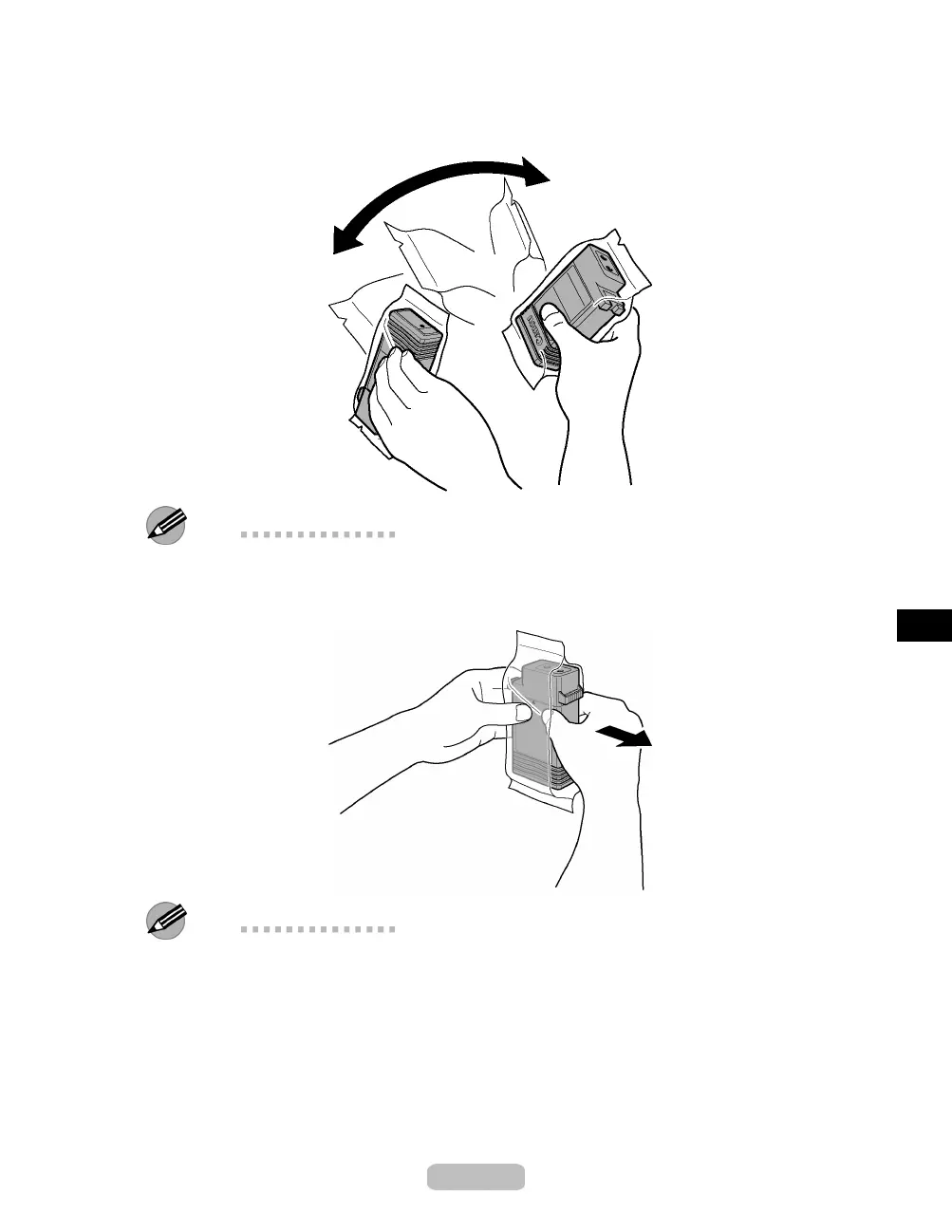
Before opening the pouch, shake the In
kTankgently seven or eight times. Agitate
the ink in the Ink Tank by slowly turning the Ink Tank upside-down and right
side up several times.
Note
•
If you do not shake the Ink Tank, the ink may sediment, which may affect printing
quality.
9
Open the pouch and remove the Ink Tank.
Note
•
Never touch the ink holes or metal contacts. This m ay cause stains, damage the
Ink Tank , and affect printing quality.
•
Avoid dropping th e Ink Tank after removing it from the pouch. Other
wise, ink may
leak and cause stains.
•
Do not remove and shake an Ink Tank that has already been installed in the printer.
Ink may leak out.
35















 To Next Page