WebCAM user manual -8-
Chapter 4: Using Utility to Setup IP & Update Firmware
Section 2. Using Utility
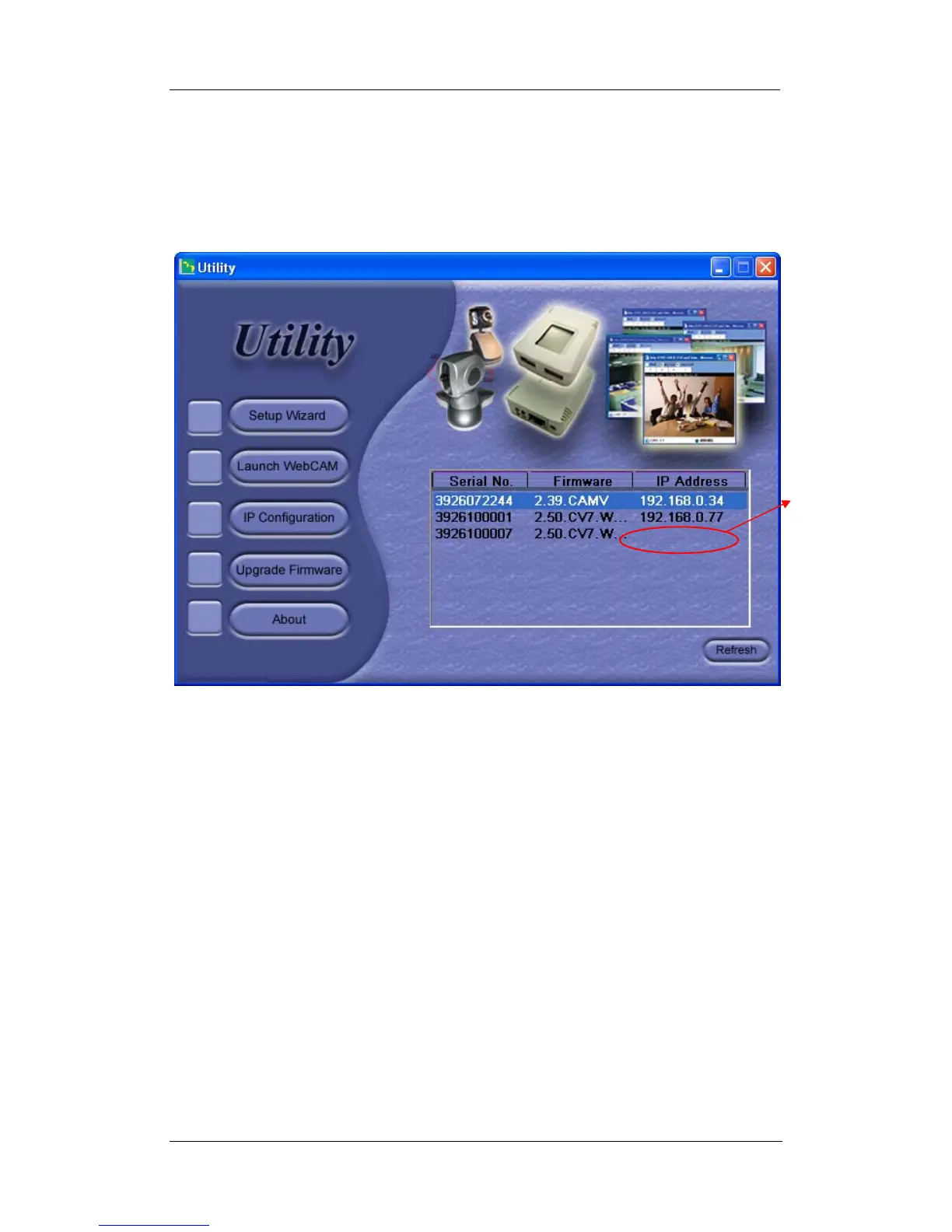
The Utility main menu is shown below. The selection menu is located on the left. The
Serial Number, current Firmware and IP Address of every connected to the LAN will
be displayed on the table to the right.
Fig.8. Utility Main Menu
For first time users, the Device Password will be enabled and the IP address hidden
until its setup and configuration has been completed.
Devise
Password
enabled. IP
Address
hidden.















 To Next Page