WebCAM user manual -65-
Chapter 6: MultiMonitor
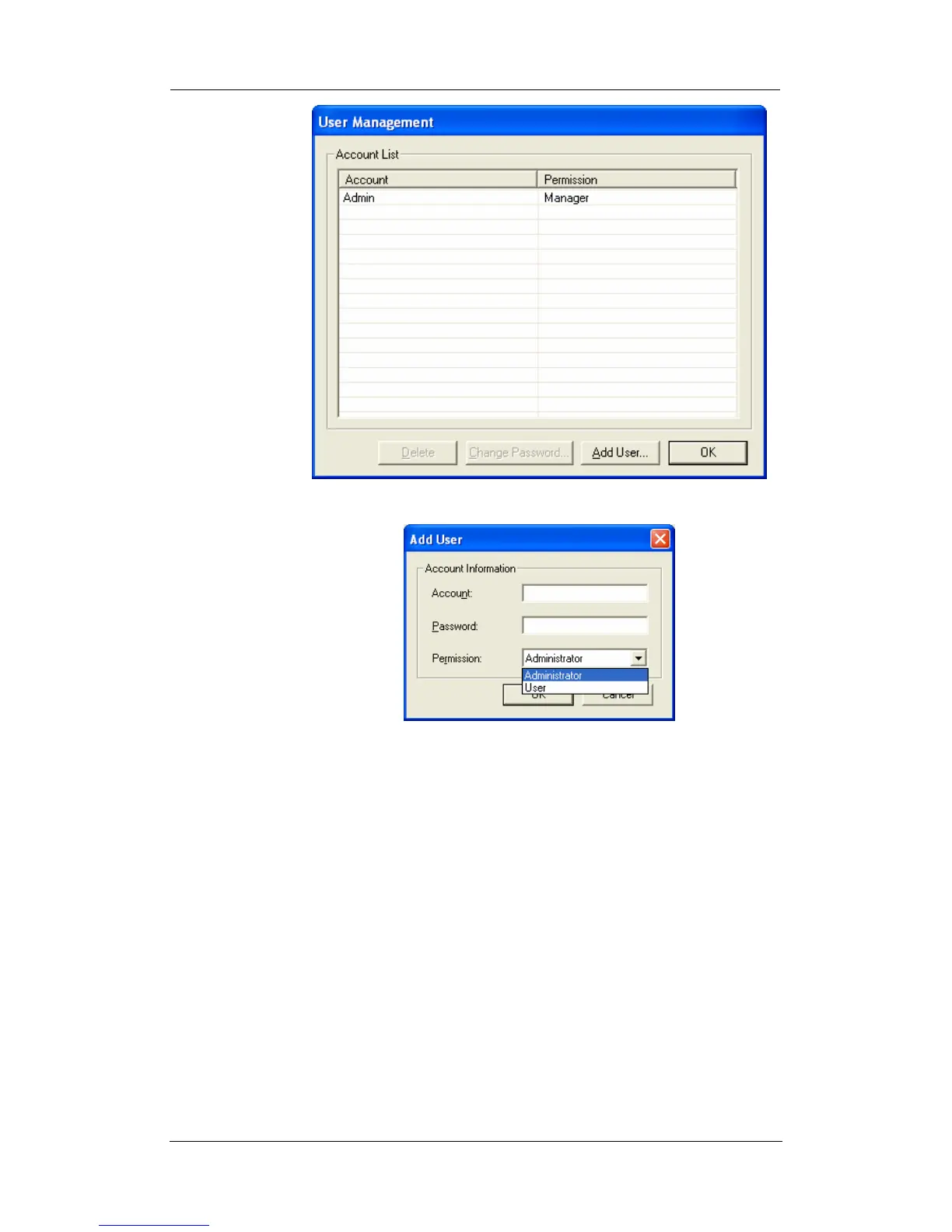
Click “Add User…” There is no limit to the number of Account
that can be added.
Note: The first account is set to “Admin” with “Administrator”
permission. This cannot be changed or deleted.
Account: Enter the preferred account name (max of 10
characters). The Account name cannot be
edited.
Password: Enter a password (max of 10 characters).
The password is case sensitive and can be
left blank.
Permission: Choose “Administrator” or “User”.
An “Administrator” can change, see, add or
delete any of the information in MultiMonitor.
A “User” is not able to Add, Delete or
Change Settings of a camera.
2.5 Help















 To Next Page